
What you can do in Vidorena

Business



What you can do in Vidorena
Business
Table of contents
If your generations keep coming out flat, it is tempting to blame the model. Nine times out of ten the model is fine and the prompt is the problem. A vague description gives a video model nothing to commit to, so it plays it safe, and safe is what produces the undirected, slightly lifeless clips that make people give up after one afternoon. These patterns are the ones that show up in almost every result that actually looks good, and they work no matter which model ends up rendering the shot.
Name the camera, not just the scene
This is the single highest leverage change you can make. "A slow dolly in on a coffee cup" gives the model a job to do for the whole clip; "a coffee cup on a table" gives it nothing to move toward, so it either sits still or invents a motion you never asked for. Name the move, whether it is a dolly, a pan, a handheld drift or a locked off static, and you have handed the model a spine for the shot to hang on.
Describe the light before the mood
Mood words like "moody" or "cinematic" are hard to render, because they are a feeling rather than a specification. "Low, warm side light with a soft shadow falling to the left" is something a model can actually execute, and the mood you were reaching for usually falls out of it for free. Save the feeling words for the parts of the prompt that are genuinely about emotion or performance, and be concrete everywhere lighting is concerned.
One beat per shot
Cramming two actions into a single generation, "she picks up the phone and walks to the window and looks out," usually produces none of them cleanly, because the model has to compress three moments of physical action into one continuous take. Split it into two or three shots and let the studio sequence them. You will get cleaner motion in each one and far more control over pacing when you cut it together.
Give it a reference whenever you can
A photo of your product, a character reference, even a rough phone clip of the space you are trying to shoot will out-perform a purely written description almost every time, because it removes an entire layer of guesswork about what things actually look like. Use text to describe what should change or move, and use references to establish what things are. That division of labour is where a lot of professional looking results quietly come from.
Say what the shot is for
"An establishing shot to open a thirty second ad" gets treated differently from "a hero shot for the thumbnail," even with identical subject matter, because the planning layer reads intent as much as content. Telling it the shot's job in the sequence, and not only what is in the frame, is often the difference between a generic result and one that actually cuts well against what comes before and after it.
Keep reading
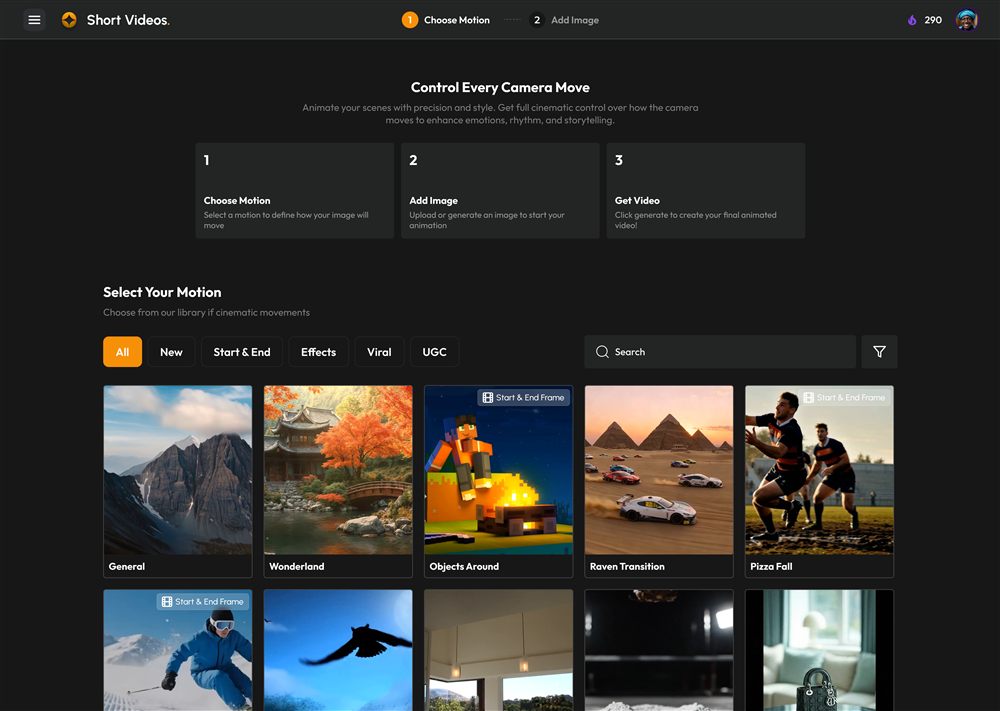
Make your first video in Vidorena
First stepsFrom an empty prompt box to a finished clip in a few minutes. The clearest path through the studio for your very first render, and the small habits that make everything after it easier.
Read article
How credits work and what things cost
Credits & billingCredits are the fuel behind every generation. Here is what they actually are, what makes one render cost more than another, and how to make a month's allowance go a long way.
Read article
Direct a scene in Agent Studio
Agent StudioAgent Studio turns a conversation into a shot list, characters and finished footage. Here is how to work with it like a director rather than a search box.
Read article