
What you can do in Vidorena
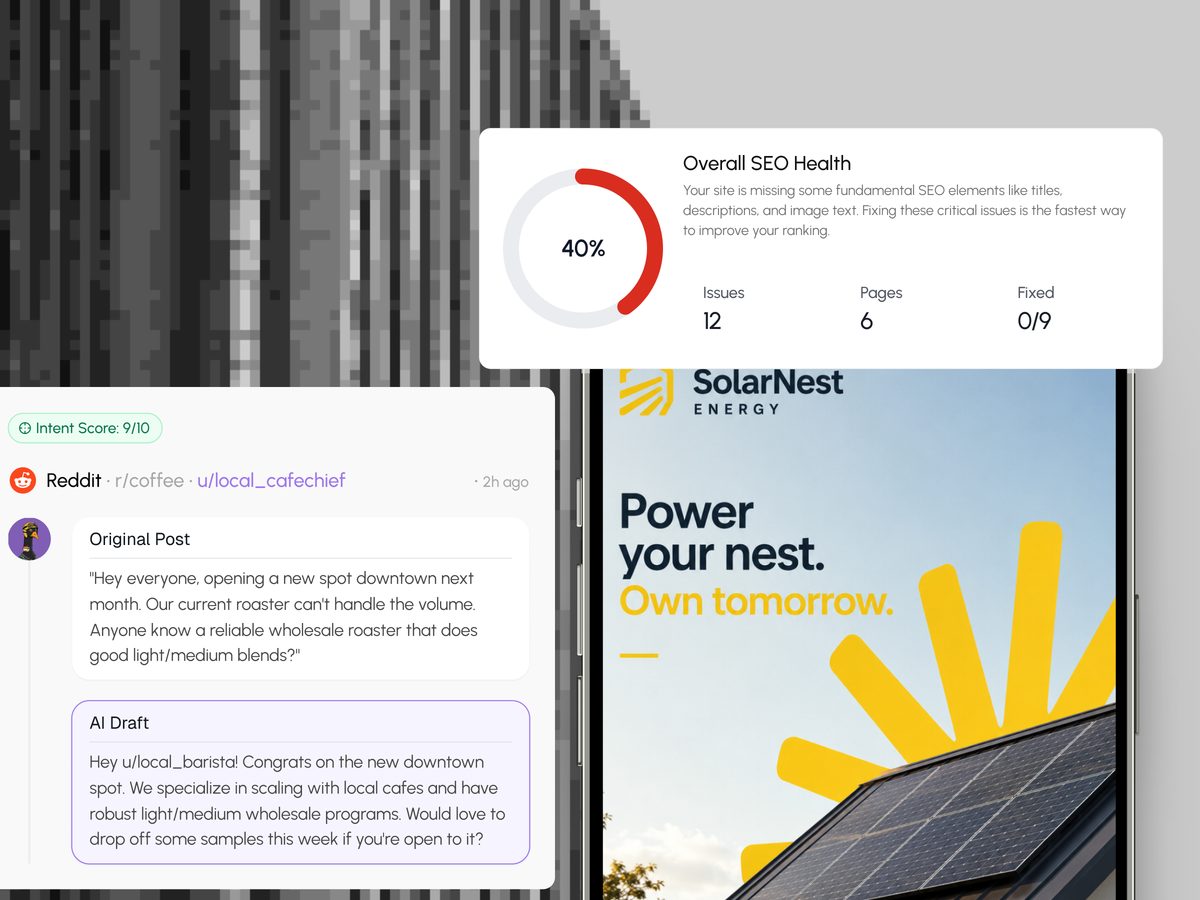
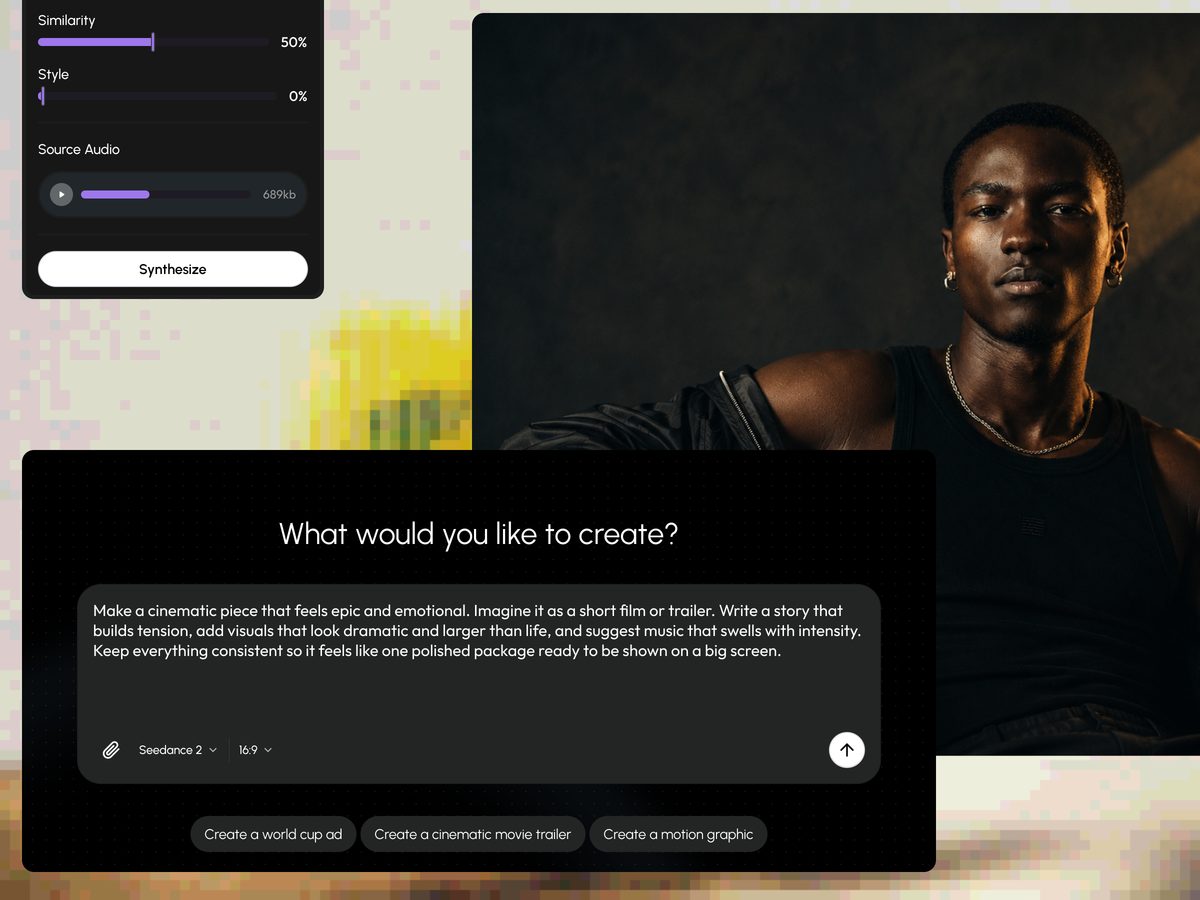
Business


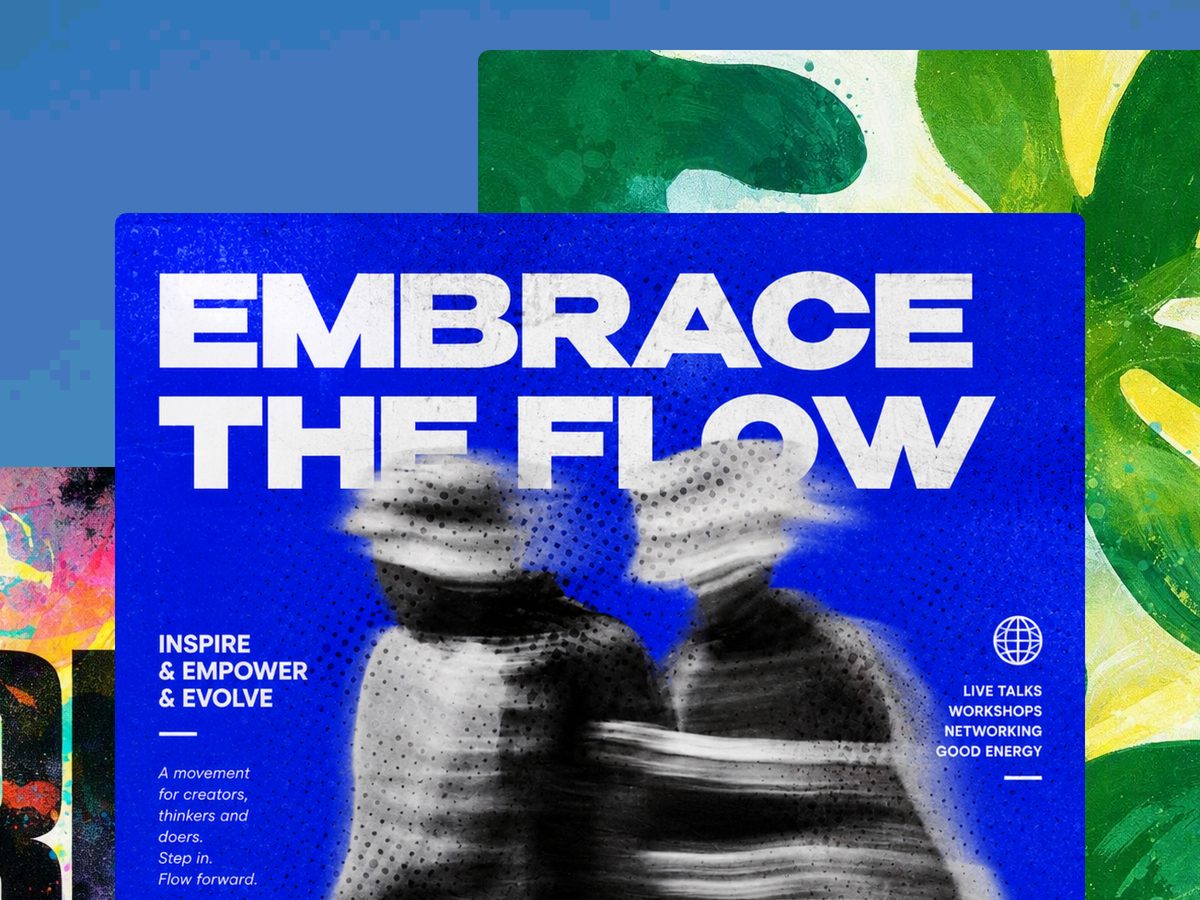
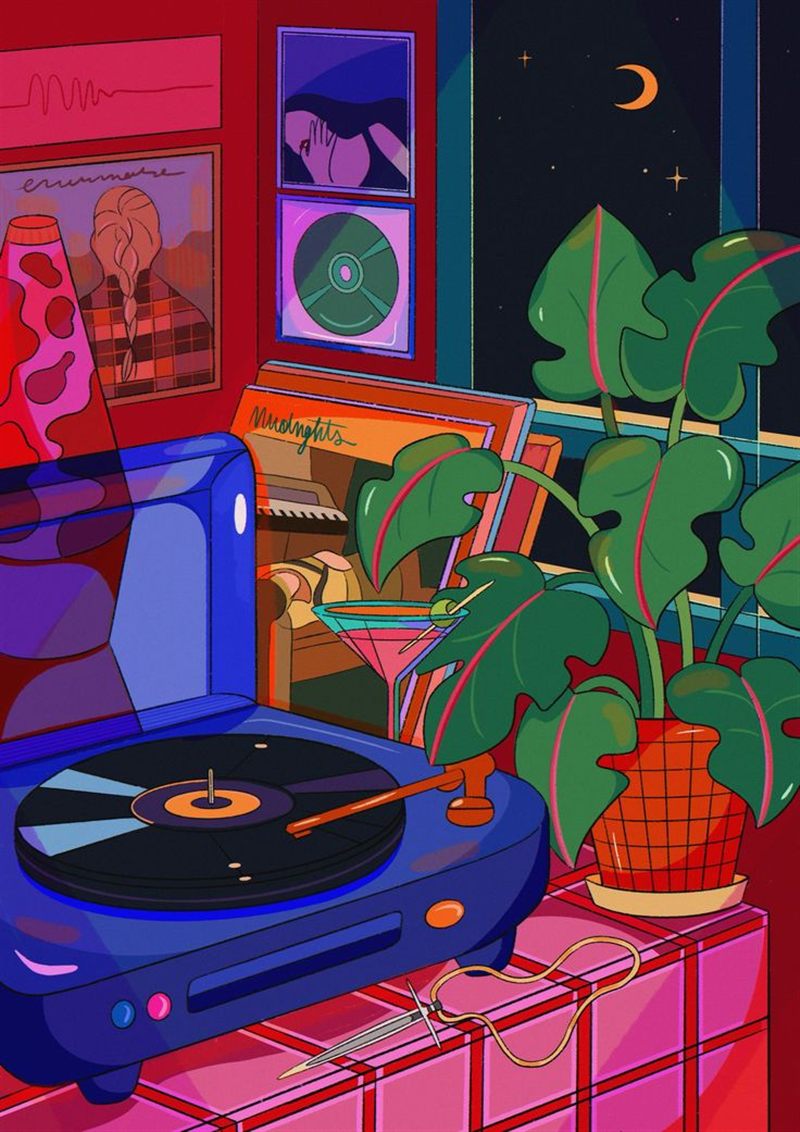
What you can do in Vidorena
Business

Short Videos
Turn a still frame into motion.Make every second worth watching.
Bring the image.Direct the motion and get the finished shot.
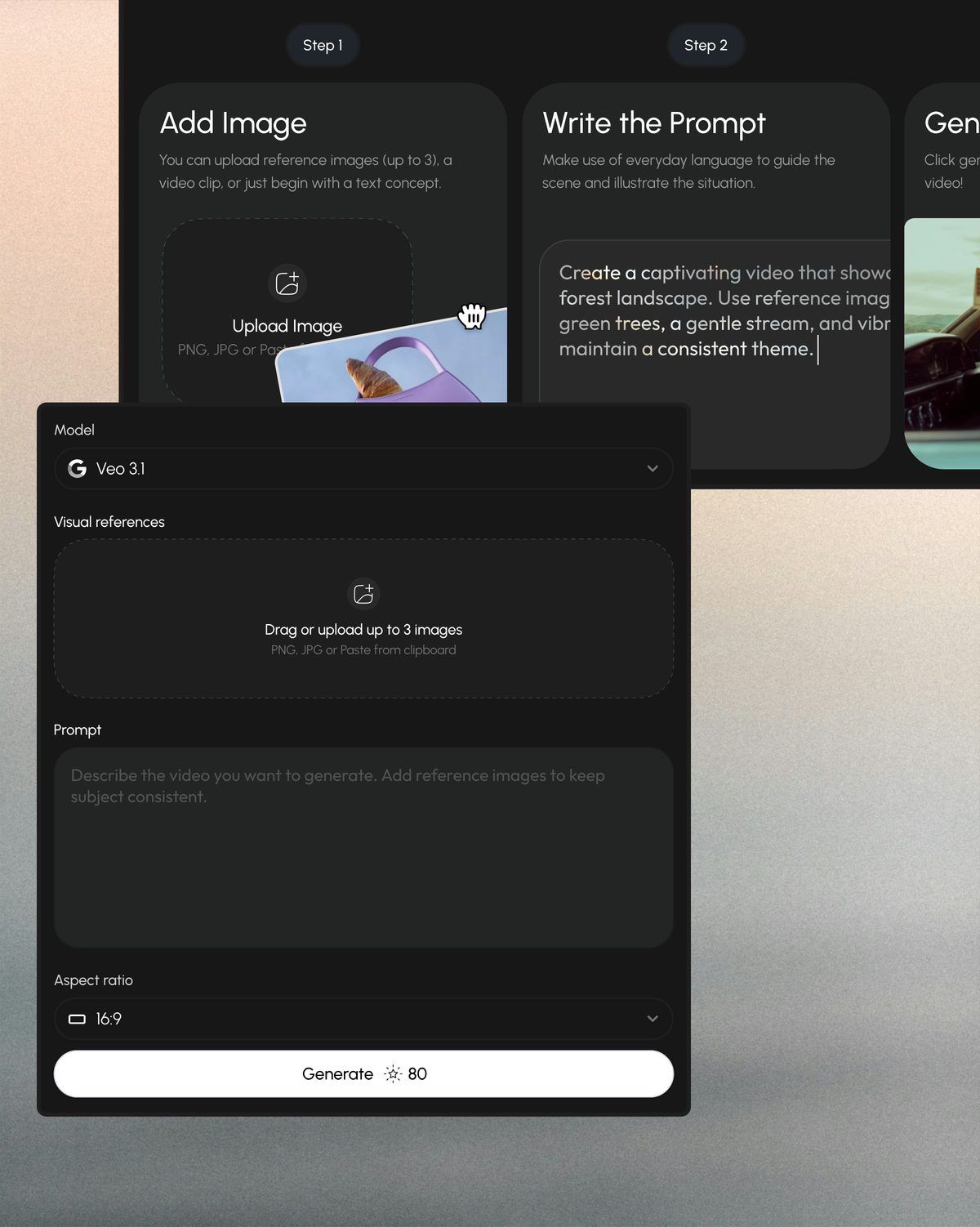
Start from the kind of shot you need.Use a prepared motion or describe your own.
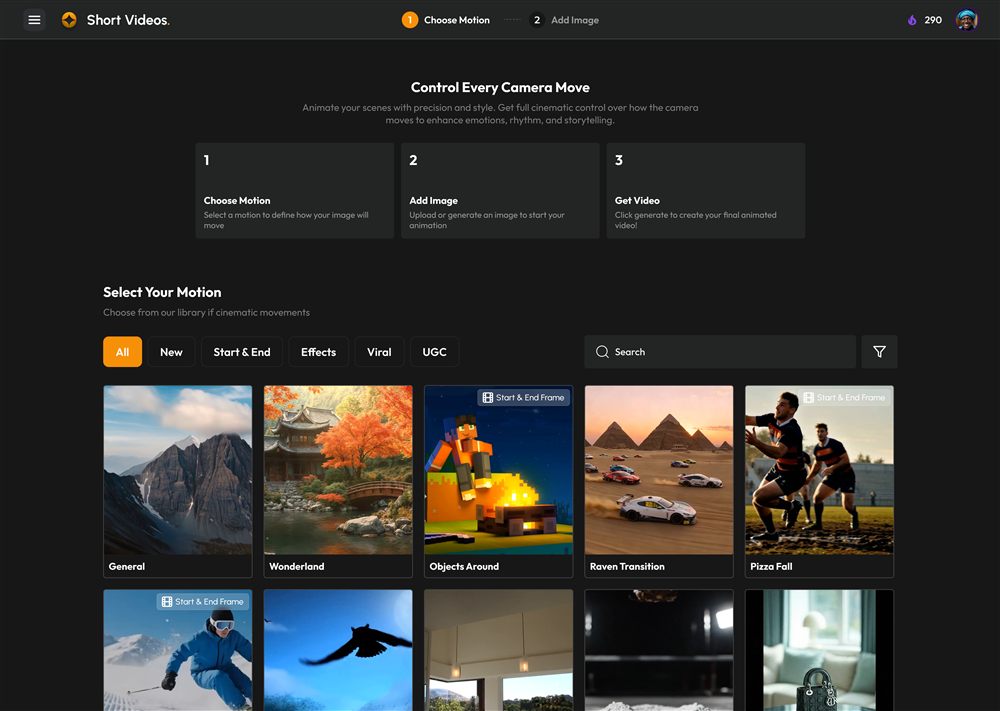
Motion Control
Choose a directed camera or subject movement, then apply it to your own image.
Viral Shots
Start from recognizable social formats, transitions, and visual hooks built to catch attention quickly.
Prompt To Video
Skip the preset and describe the action, atmosphere, camera, and result in your own words.
How to make a short video.Four decisions from idea to generated clip.
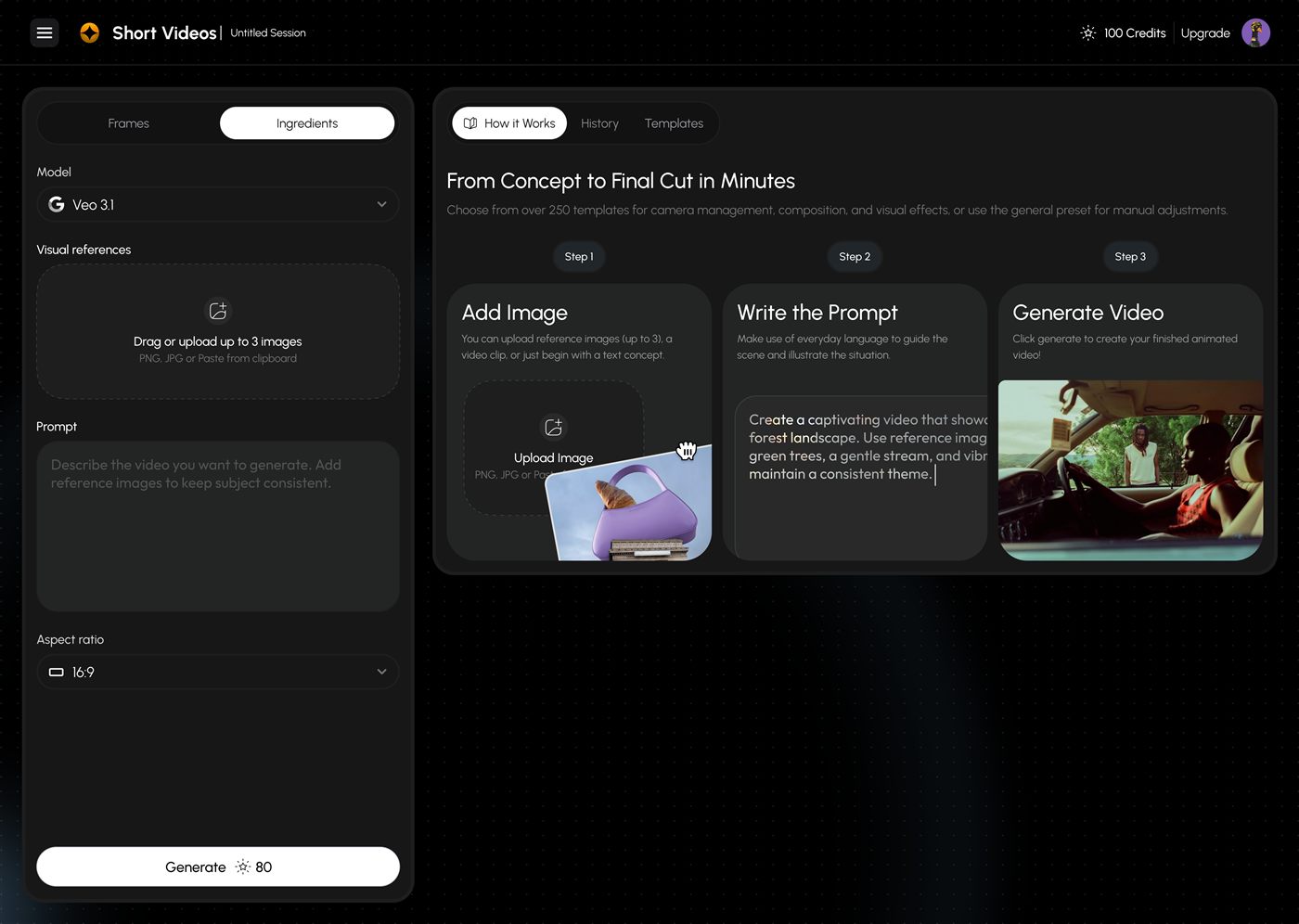
Choose The Motion
Pick Motion Control, a viral shot, or begin with a completely custom prompt.
Add Your Visuals
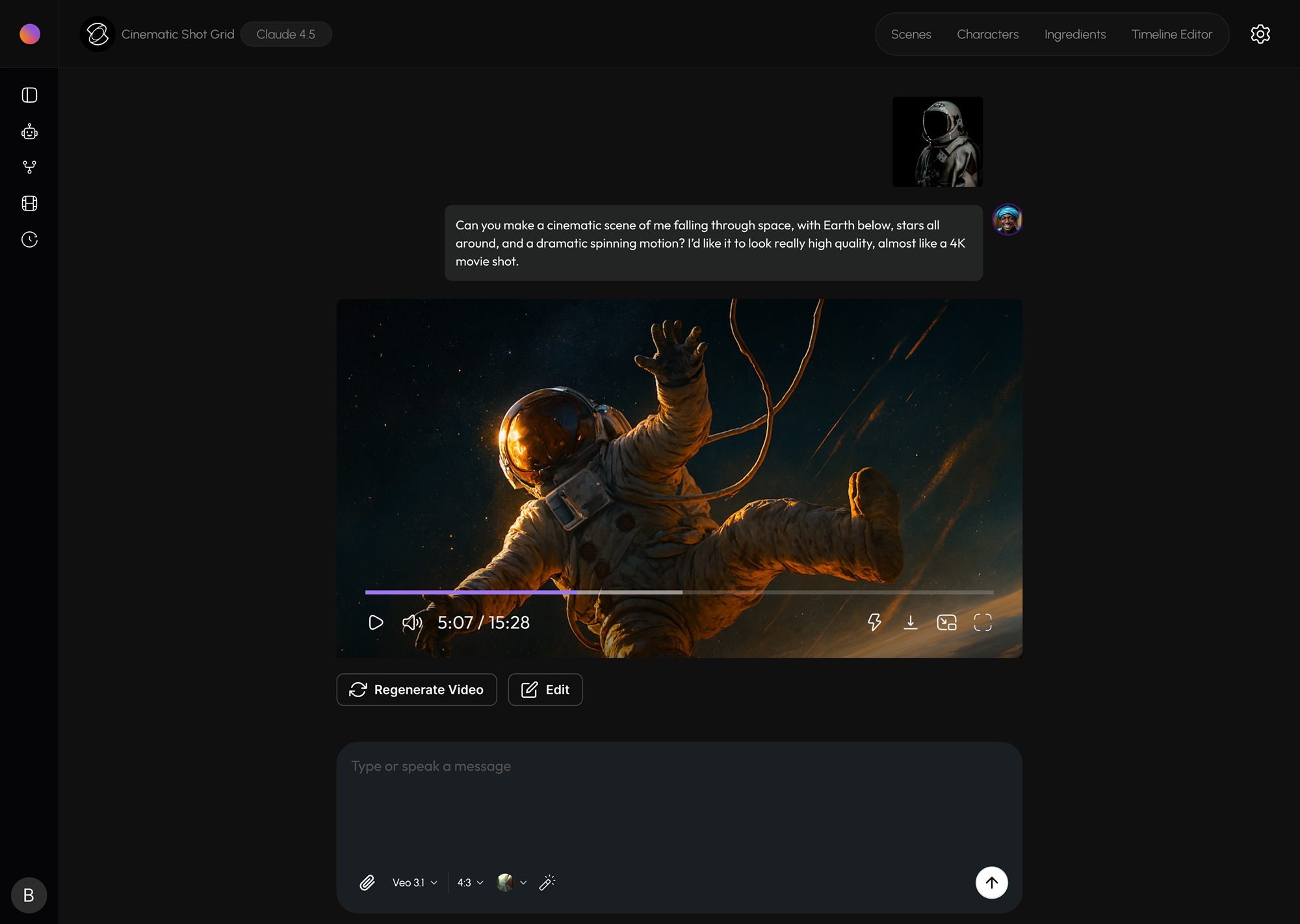
Upload a start frame, a start and end frame, or up to five reference images when the model supports ingredients.
Describe The Result
Set the action, camera movement, mood, and important details the final clip should preserve.
Generate And Refine
Choose the model that fits the shot, generate the clip, and adjust the direction when you want another take.
Give the model exactly what it needs.Keep it simple or add tighter visual direction.
Prompt Only
Describe a complete shot and let the model establish the first frame and movement.
Start Frame
Upload one image and direct how the subject, camera, or environment should move from it.
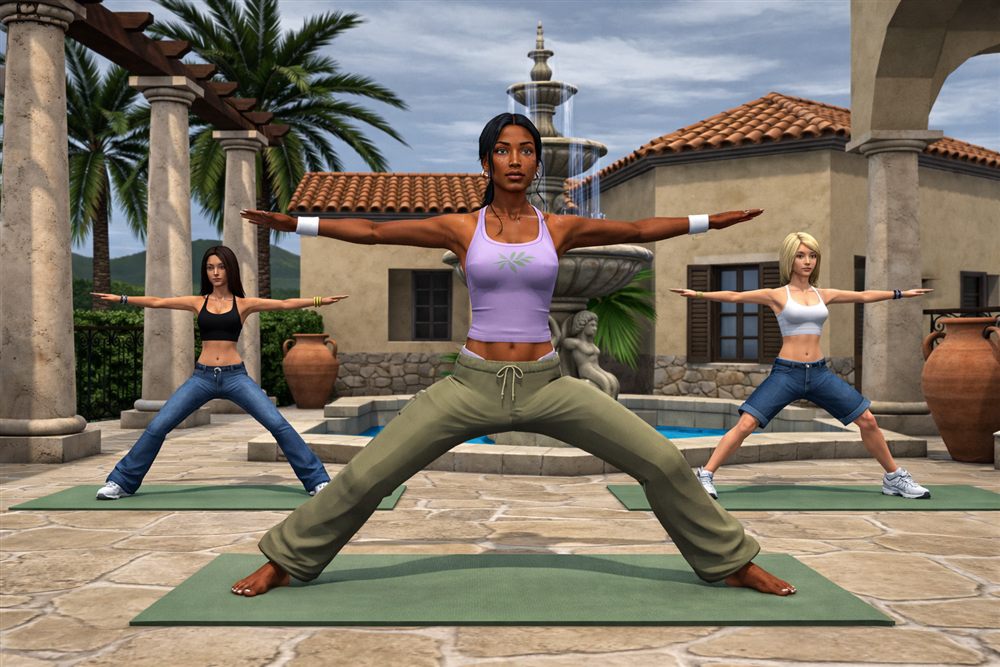
Start And End Frames
Define where the shot begins and finishes so the generation has a clearer visual destination.
Reference Ingredients
Provide up to five images for supported models to preserve a person, product, object, or visual direction.