
What you can do in Vidorena
Business



What you can do in Vidorena
Business

Series Automation
Build the format once.Keep every episode moving.
One system from idea to audience.Give the automation a direction and keep control of the series.
An autonomous production system that plans, generates, schedules, and learns across a continuing video series.
Design The Series
Define the idea, continuity, style, characters, and publishing rhythm.
Generate Episodes
Let the automation plan topics and produce every scheduled video.
Publish And Learn
Send approved episodes to connected channels and follow performance.
Start fresh or continue what already works.A new idea and a successful video can both become a series.
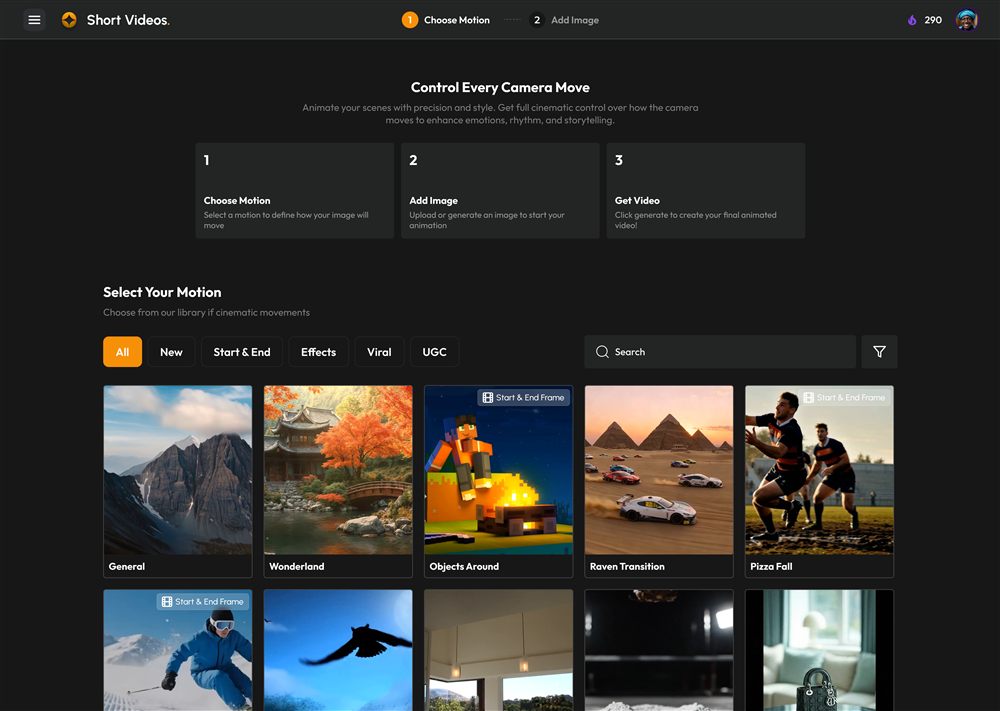
Create A Fresh Series
Begin in Series Automation, describe the concept, and define the system that should carry every episode forward.
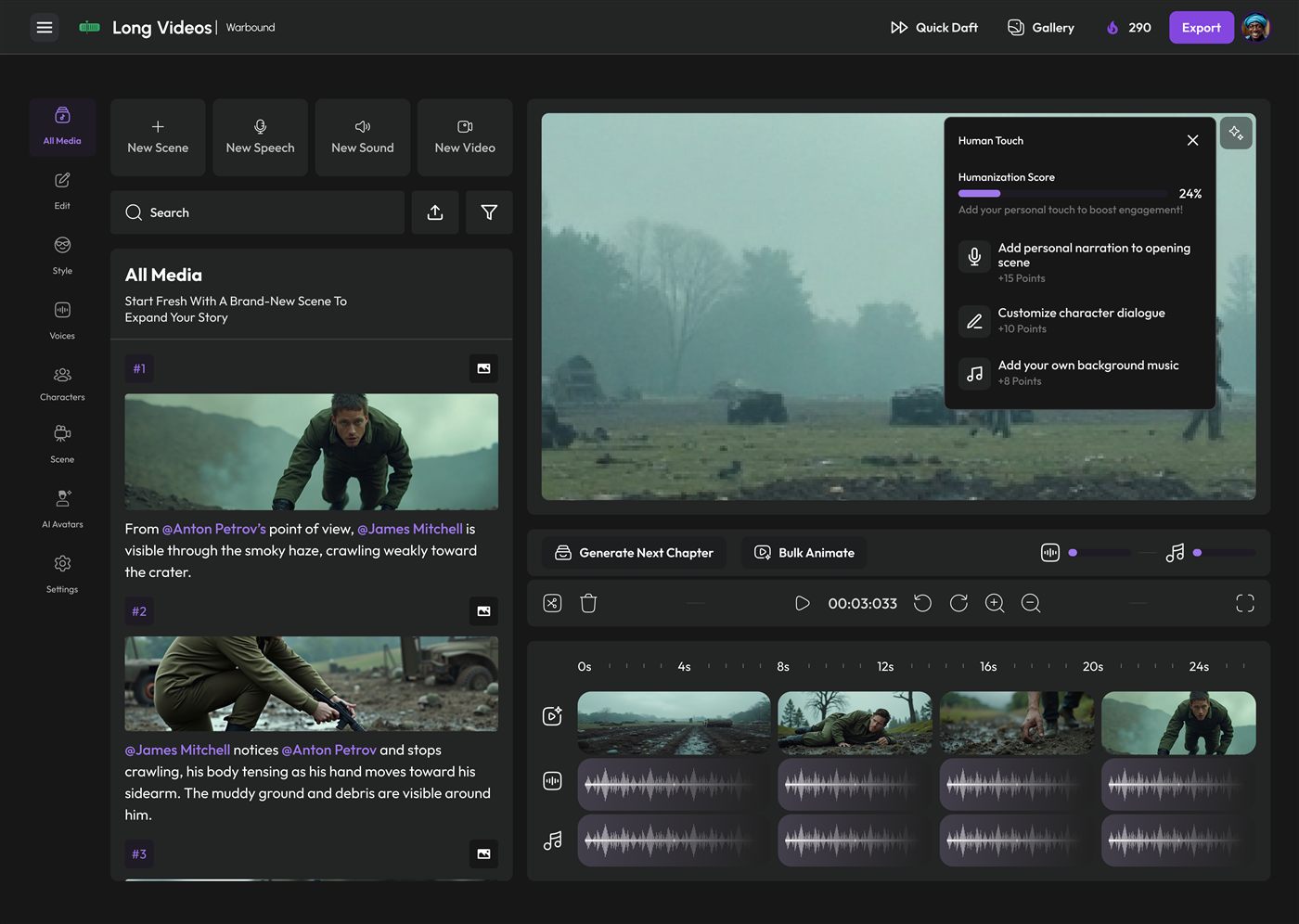
Convert An Existing Video
Turn work from Long Videos or Agent Studio into a recurring format without rebuilding its creative direction from scratch.
Configure the series in three steps.Set the rules once, then let the system run them repeatedly.
Series Identity & Cadence
Set the generation frequency, first generation date, art style, continuity rules, and a clear description of what the series should become.
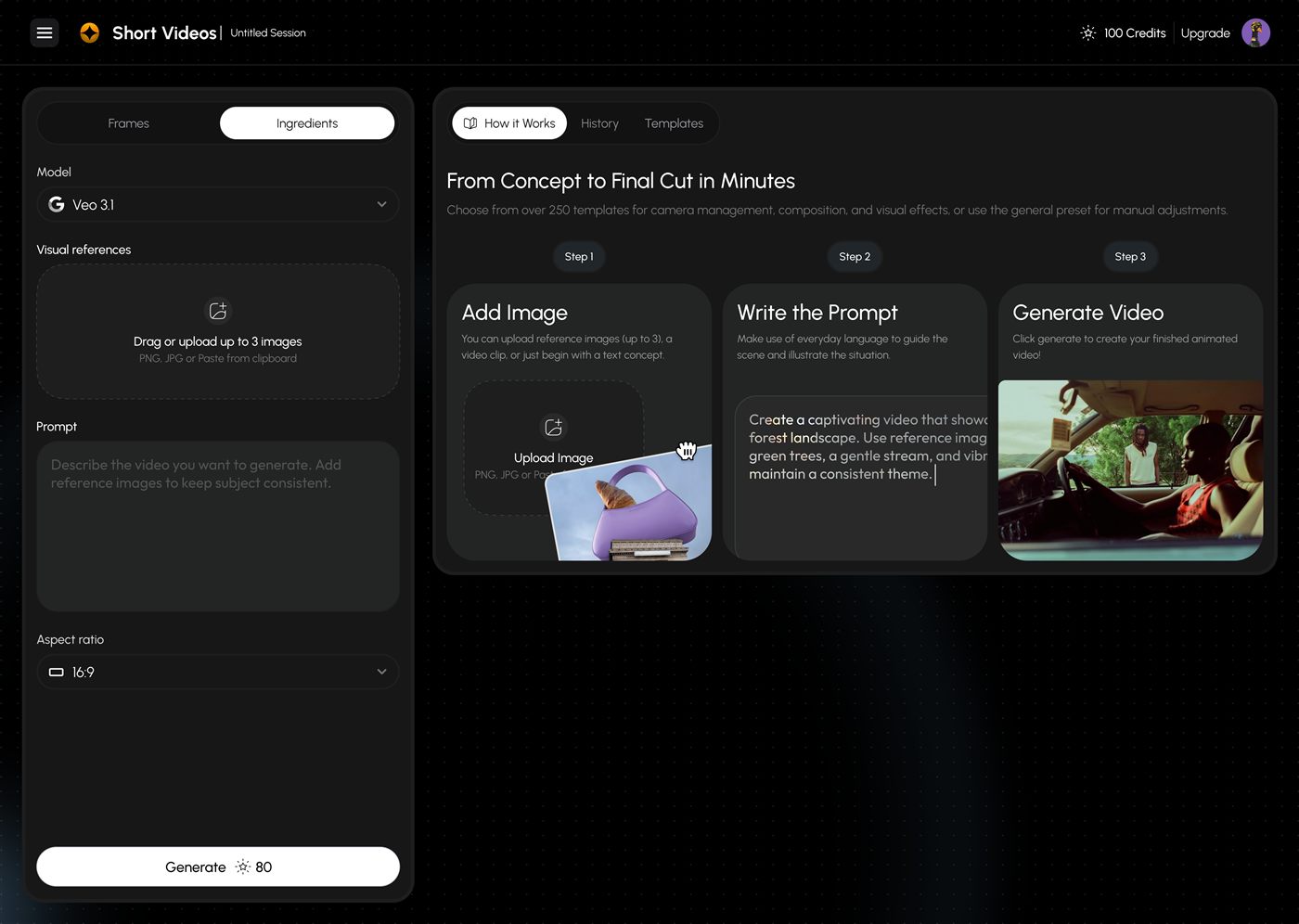
Video Configuration
Choose the episode duration, language, narration or dialogue style, aspect ratio, and either a prepared model preset or advanced model setup.
Topics & Publishing
Generate topic ideas from the series description or add one topic per line, then connect channels and decide whether approved videos publish automatically.
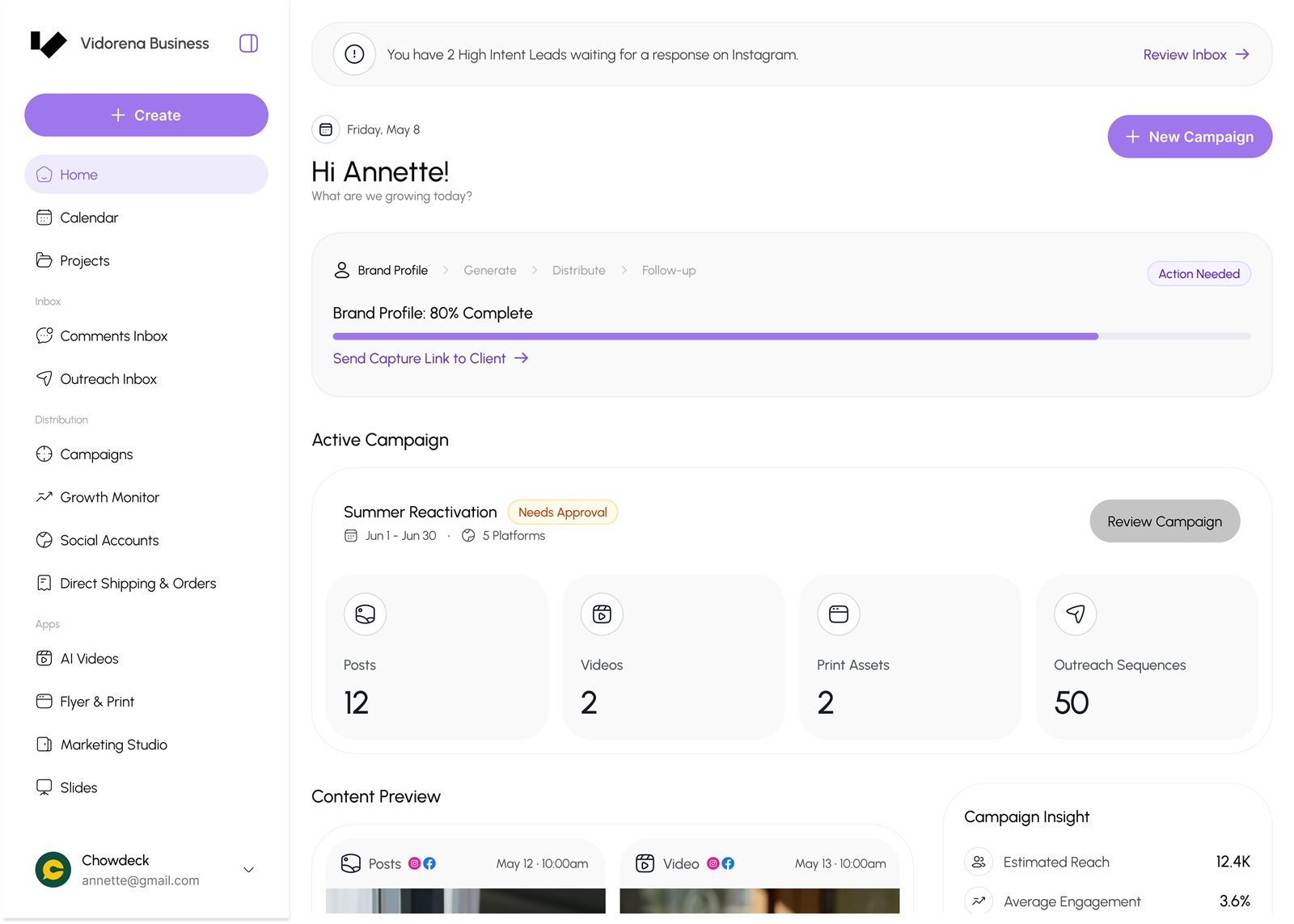
Autonomous does not mean invisible.Check the work, change the direction, or let it continue.
Series runs independently, but its DNA, episodes, scenes, and schedule remain available whenever you want to step in.
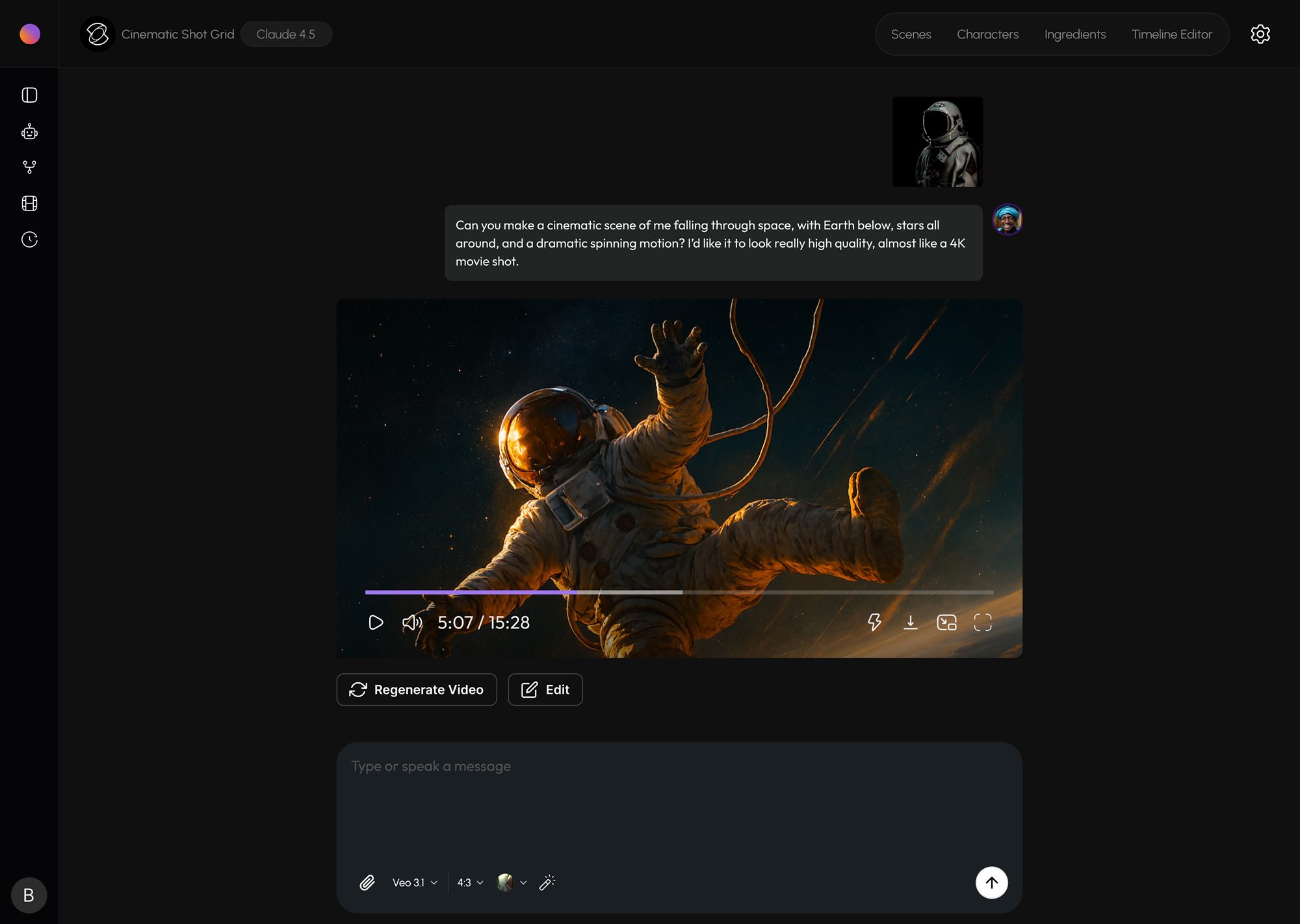
Everything the automation is doing, in one place.
Series DNA
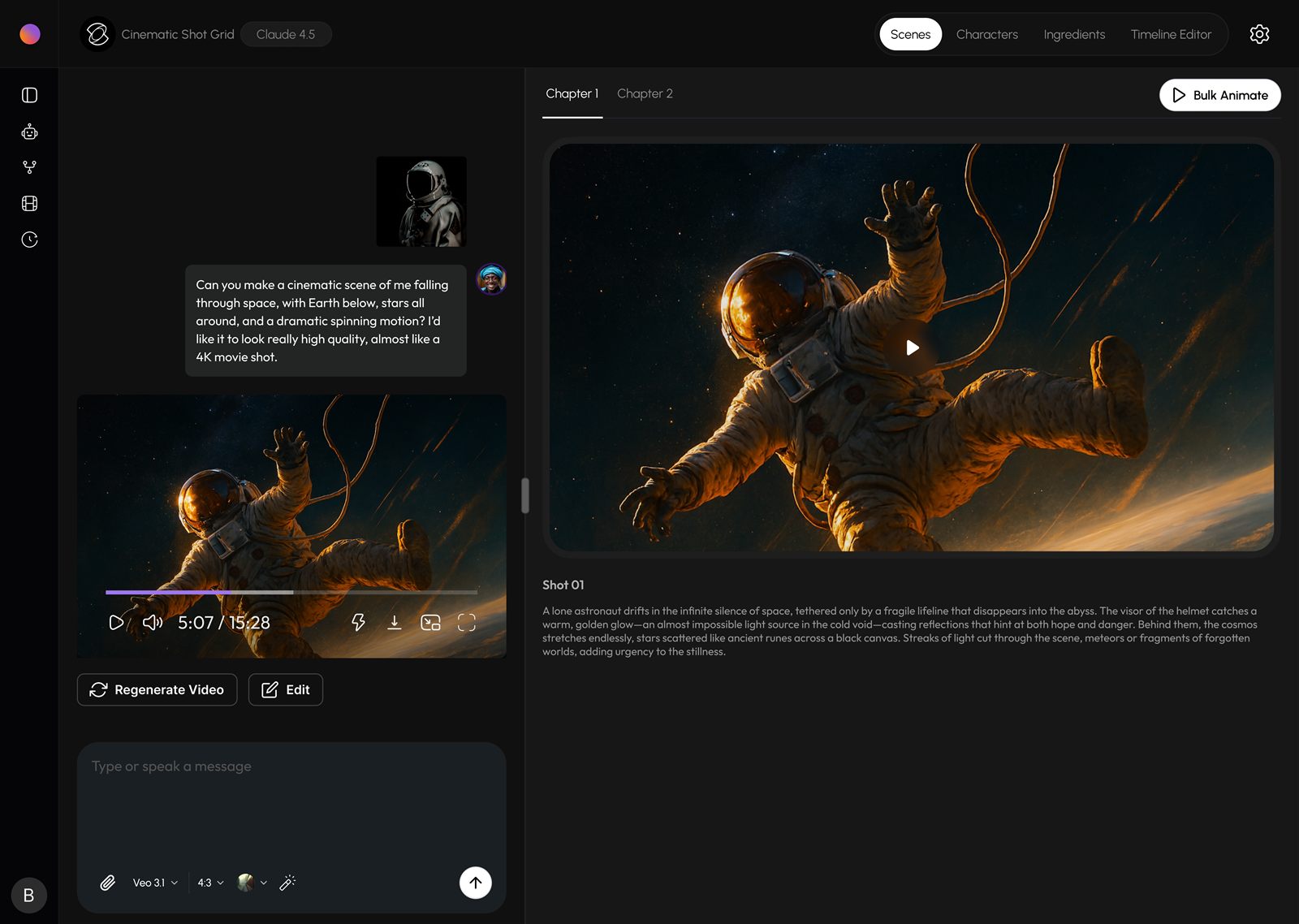
Keep the core premise, characters, locations, items, visual style, and continuity rules available throughout the series.
Episodes
Open every episode, inspect its details, preview the video, and edit individual scenes when the automation needs your direction.
Schedule
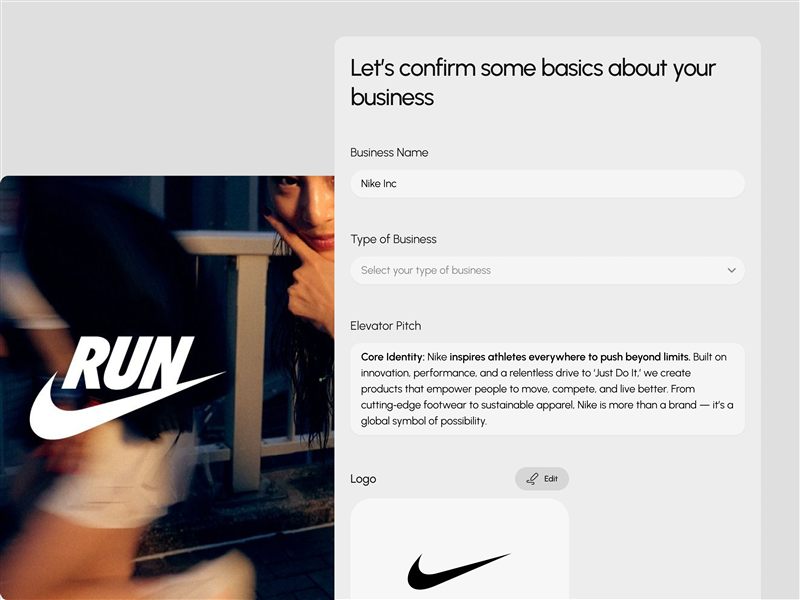
See the generation and publishing calendar, confirm upcoming episodes, and understand what the series is doing next.
Series Management
Search every series and filter by active, paused, completed, or issue states across different generation frequencies.
Video Queue
Track episodes waiting to generate, processing, ready for review, or scheduled closer to their publishing date.
Social Platforms
Connect publishing destinations once so the automation can deliver approved episodes to the right audience.
Analytics
Follow how published episodes perform and use the results to understand what the series should repeat or improve.
Automation Settings
Control email alerts, weekly summaries, failure notifications, auto approval, preferred generation time, and generation limits.