
What you can do in Vidorena

Business


What you can do in Vidorena
Business
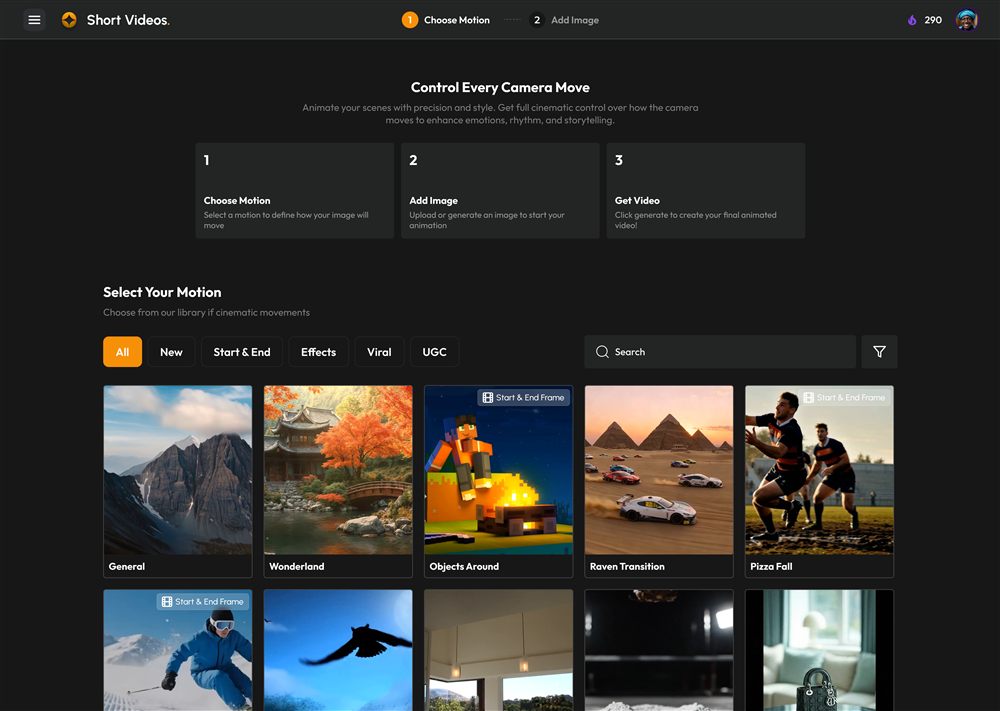
Table of contents
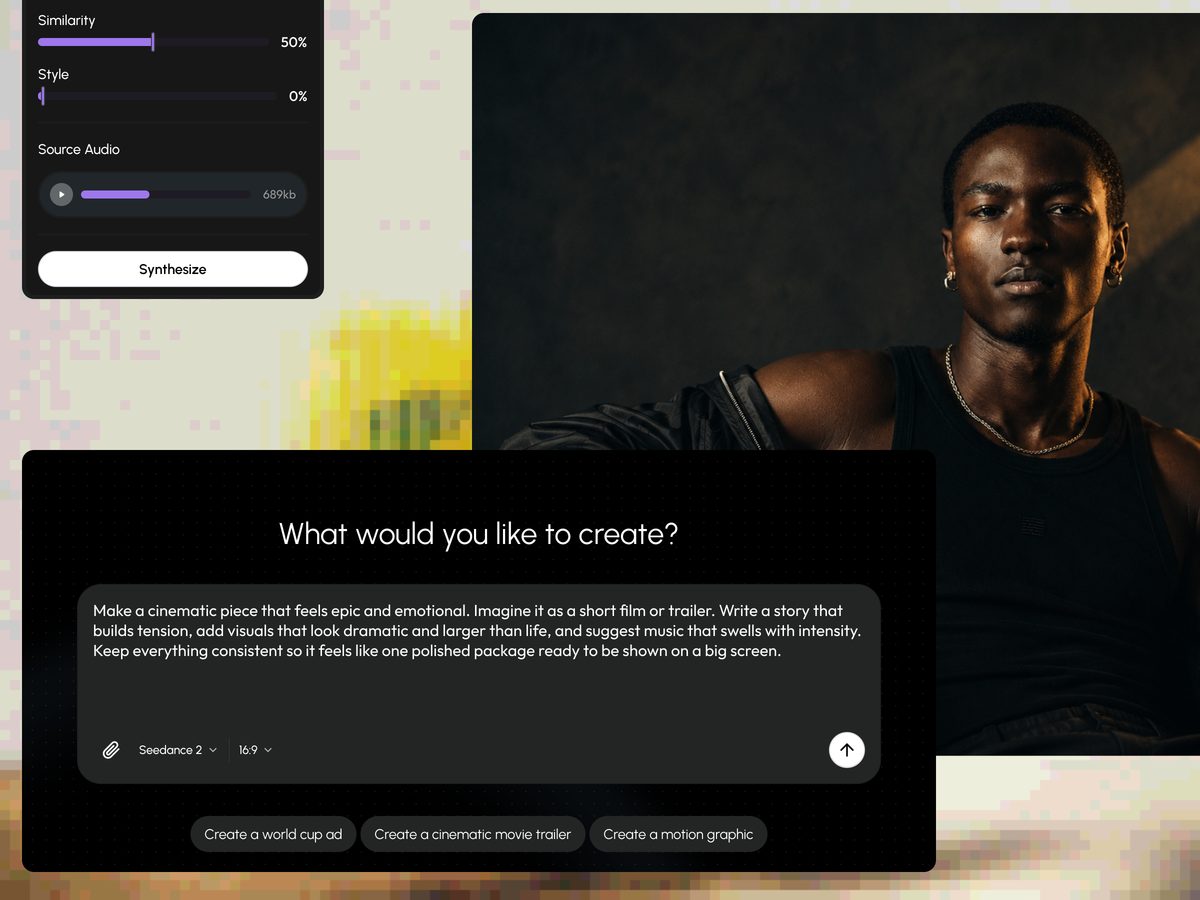
The first time you open Vidorena, the blank prompt box can feel like it is asking for a lot. It isn't. Everything in the studio runs on one simple loop: you describe what you want, an agent works out how to make it, and the right model renders it. Once that loop clicks, the rest of the product is just variations on it. This guide walks you through it once, slowly, so that your second video takes half the thought of your first.
You do not need to understand which models exist, what a shot list is, or how any of it works under the hood to get a good result today. You only need a clear idea and a willingness to describe it well. Let's make something.
Choose where you are creating
Vidorena has a few different surfaces, and picking the right one for the job saves you time. For a first video, open Short Videos. It is the most direct place in the studio: one prompt in, one clip out, no set-up. It is built for the kind of quick, self-contained pieces you would post to TikTok, Reels or Shorts, which makes it the ideal training ground.
Long Videos and Agent Studio give you far more control, longer runtimes, multi-shot sequences, characters that stay consistent across scenes, but they also ask more of you. There is no reason to start there. Learn the loop in the simplest room first, then move into the bigger ones when you actually need what they offer.
Write a prompt worth rendering
This is the part that decides how your video turns out, and it is worth thirty extra seconds. A weak prompt describes a thing; a strong prompt describes a shot. Compare "a coffee cup on a table" with "a slow push in on a coffee cup, warm morning light coming from the left, steam rising." The first gives the model almost nothing to do, so it hedges, and hedging is what produces flat, forgettable clips. The second names a subject, a camera move and a quality of light, which is enough for the model to commit.
You do not have to sound like a cinematographer. You just have to answer three quiet questions in your own words: what is in the frame, how is the camera moving, and what does the light feel like. If you can answer those, you are already prompting better than most people who give up after one try.
Generate, then steer instead of starting over
Hit generate and let it render. The first pass will rarely be perfect, and that is completely normal, so resist the urge to throw the whole prompt away and rewrite from scratch. Instead, look at what actually went wrong and change only that. If the motion is too fast, say so. If the light is flat, ask for a stronger key. Changing one variable at a time teaches you what each word in your prompt is doing, which is how you get good quickly.
There is a quiet benefit to this too. Every time you regenerate and steer, you are giving the studio a small signal about your taste, and results tend to drift toward what you keep choosing. The people who get the most out of Vidorena are not the ones who write one magic prompt, they are the ones who have a short, patient conversation with it.
Export, and what to do next
When a render feels right, export it at your plan's quality and it is ready to post anywhere. That is the entire loop: describe, generate, steer, export. It is the same loop behind a fifteen second clip and behind a full film; everything else in the studio is a way of doing more of it at once.
For your next few videos, try changing just one thing each time, a different camera move, a different light, a different subject, and pay attention to how the result shifts. Within a handful of renders you will have a feel for the tool that no guide can hand you, and that feel is the real thing worth having.
Keep reading
How credits work and what things cost
Credits & billingCredits are the fuel behind every generation. Here is what they actually are, what makes one render cost more than another, and how to make a month's allowance go a long way.
Read article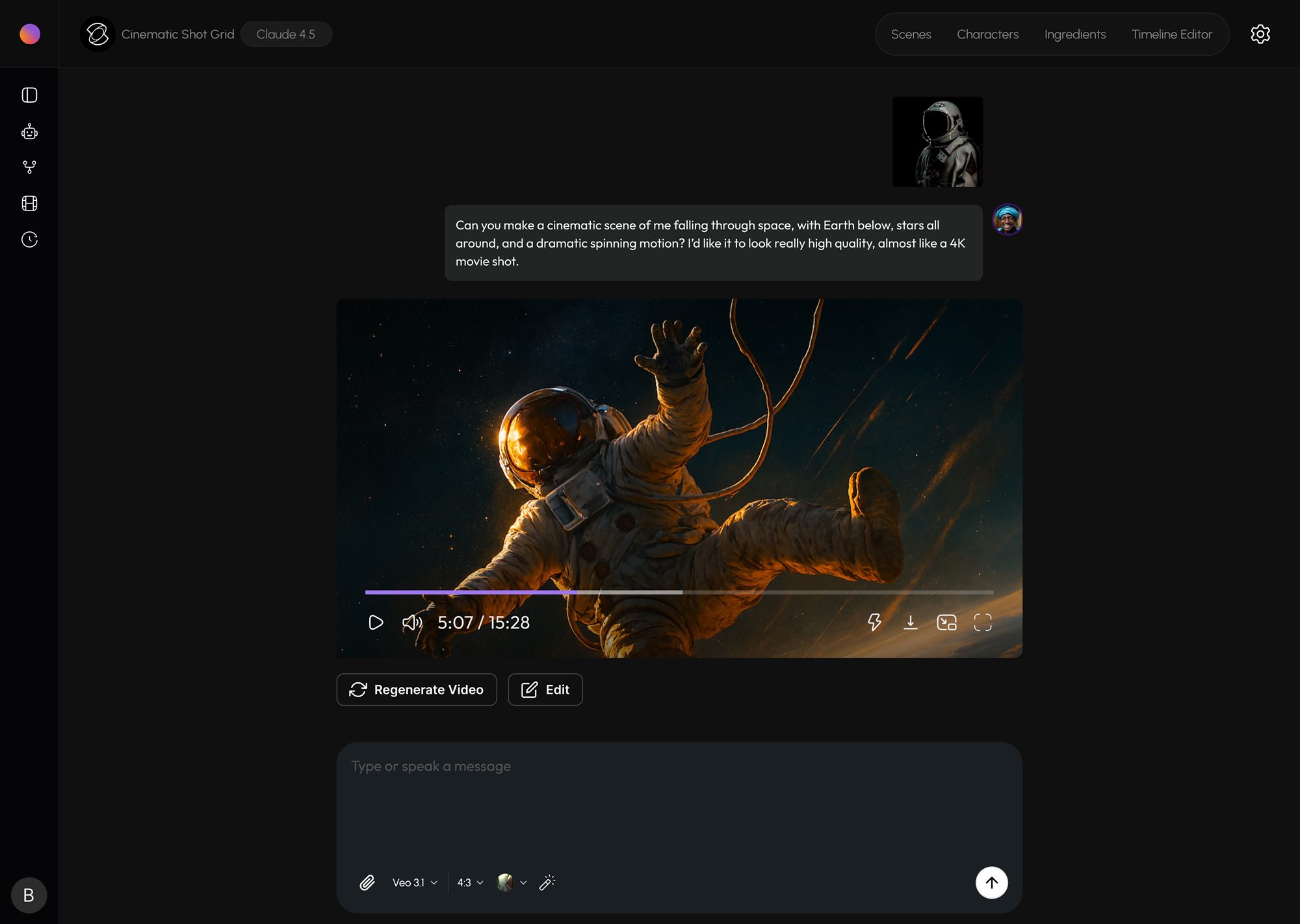
Direct a scene in Agent Studio
Agent StudioAgent Studio turns a conversation into a shot list, characters and finished footage. Here is how to work with it like a director rather than a search box.
Read article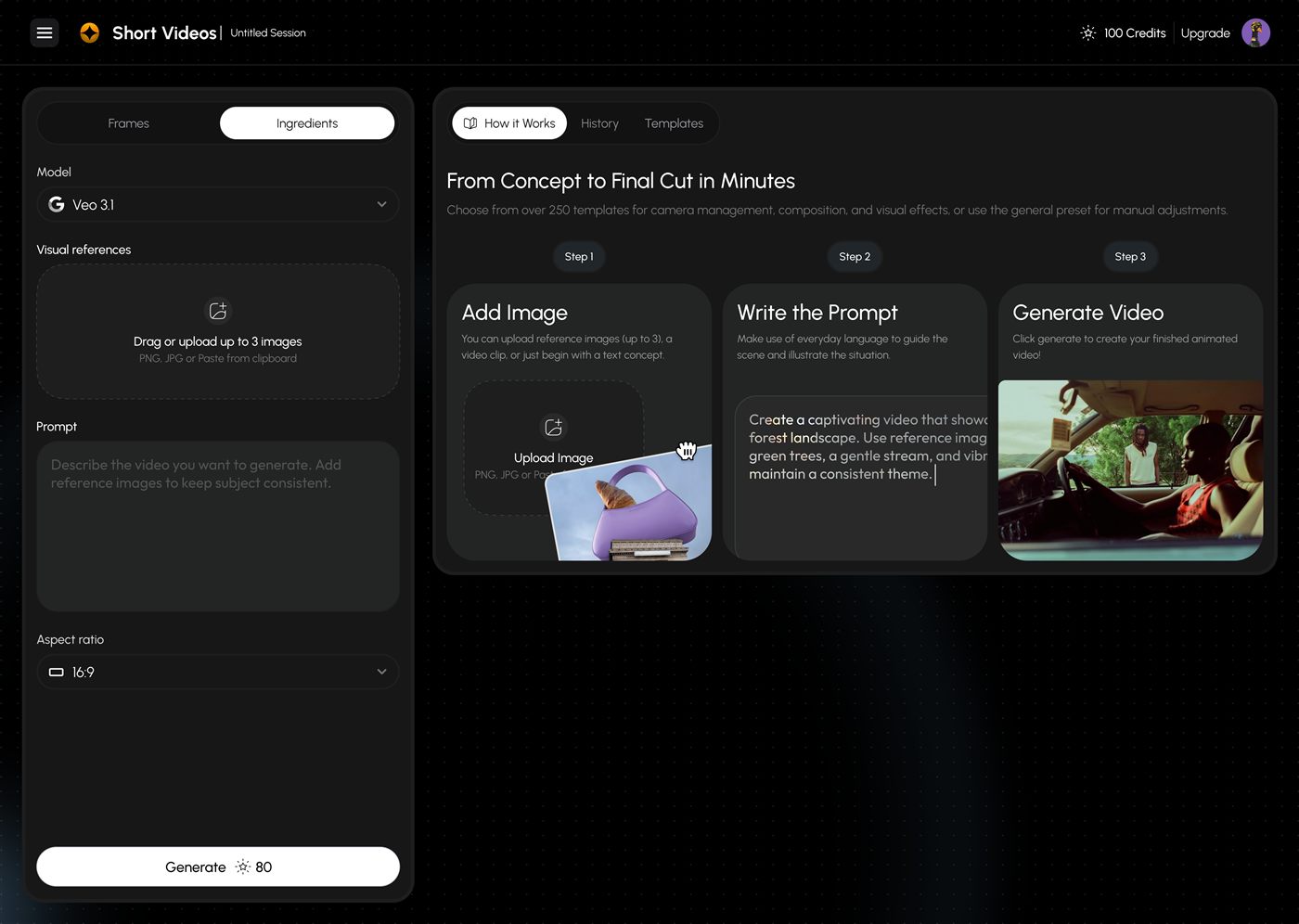
Write prompts that get cinematic shots
Short VideosThe phrasing that reliably nudges video models toward intentional, camera-aware output. A short field guide to the patterns behind almost every strong result.
Read article