
What you can do in Vidorena
Business


What you can do in Vidorena
Business
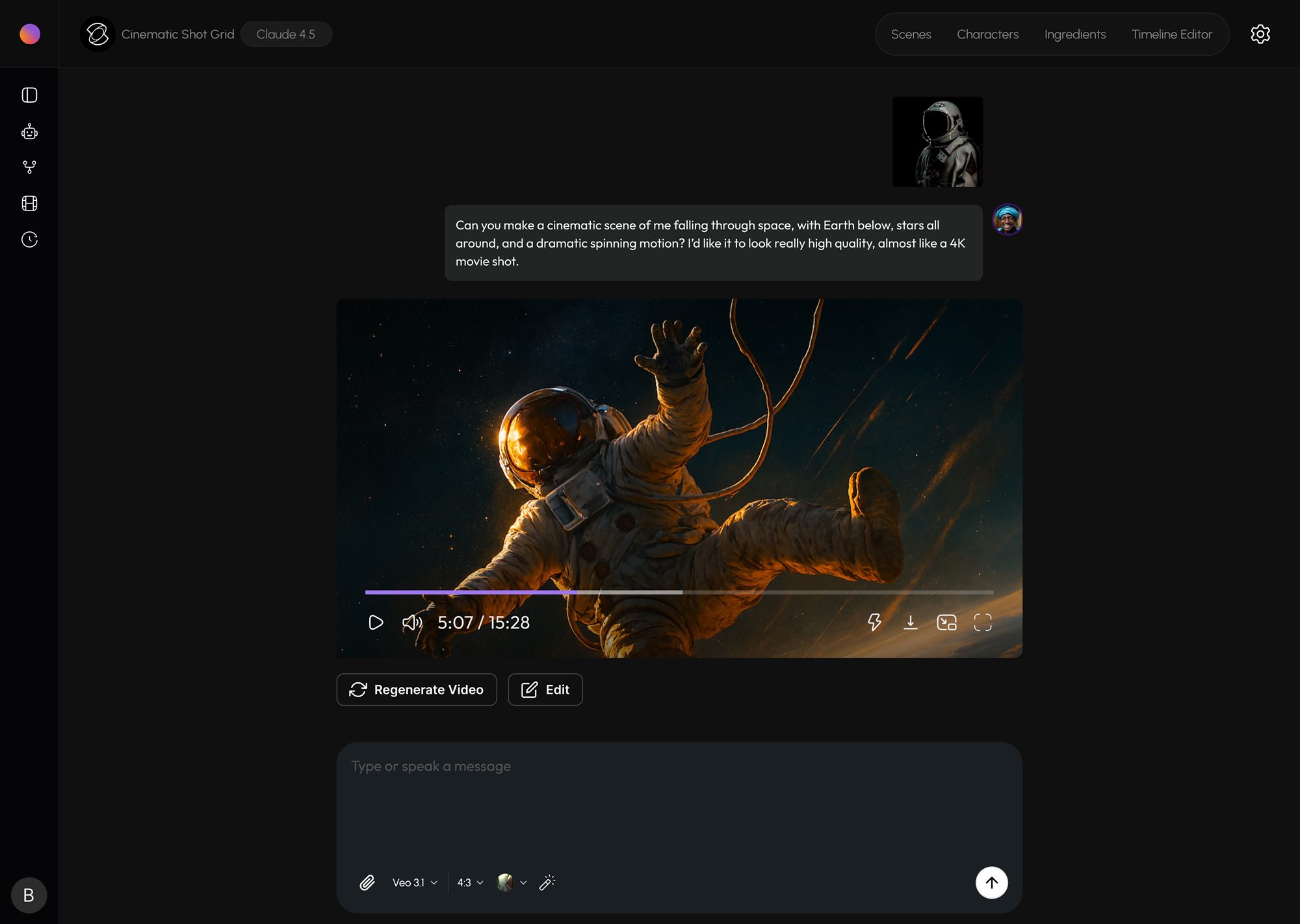
Table of contents
Most people arrive at Agent Studio expecting a fancier prompt box and leave a little confused, because it is not that. It is closer to sitting in a room with a very fast crew. You do not type one instruction and receive one clip; you have a back and forth with an agent that plans the work, casts the characters, picks the tools and renders the shots, and the quality of what comes out depends almost entirely on how you direct that conversation.
The good news is that directing is a skill you already half have, because it is mostly about knowing what you want and communicating it in the right order. Here is how to do that inside the studio.
Start with the intent, not the frame
The most useful thing you can tell the agent first is what the scene is for, not what it looks like. "An opening shot for a thirty second sneaker ad" and "a hero shot for the thumbnail" will be planned completely differently even if the subject is identical, because the agent reads purpose as much as description. Lead with the job the shot has to do in the finished piece, and let the visual details follow from there. You will get a plan that already understands the assignment instead of one you have to correct.
Build the shot list through conversation
A single prompt like "a product ad for a running shoe" is not one shot, it is a sequence: an establishing frame, a close up on the shoe, a beat of motion, maybe a line of voiceover. Rather than trying to cram all of that into one instruction, let the agent break it down and then talk through the breakdown with it. Add a beat, cut one, reorder them. Treating the plan as a draft you refine together is far more powerful than treating your first message as a spell that has to be perfect.
Cast your characters and lock them
If a person or a product appears in more than one shot, define it once and lock it. Agent Studio keeps a locked character consistent across every frame, which is the difference between a scene that feels like one piece and a collection of clips that happen to be next to each other. The same applies to style: decide on the look early and hold it, so you are not fighting drift halfway through a sequence.
Let it choose the model, until you want to
One of the quiet luxuries of Agent Studio is that you rarely have to think about which model renders which shot. The agent routes each one to whatever handles that kind of shot best right now, and that routing is revisited constantly as models update. You can override it when you have a specific reason, but for most work, describing the shot well and trusting the routing gets you further than second guessing it.
Iterate one shot at a time
When something is not landing, resist the temptation to regenerate the entire scene. Fix the one shot that is off and leave the ones that work alone. Directing is mostly this: protecting the good takes while you re-roll the weak ones. Work through the sequence beat by beat, and when every shot earns its place, assemble the final cut. What comes out the other side will feel directed, because it was.
Keep reading
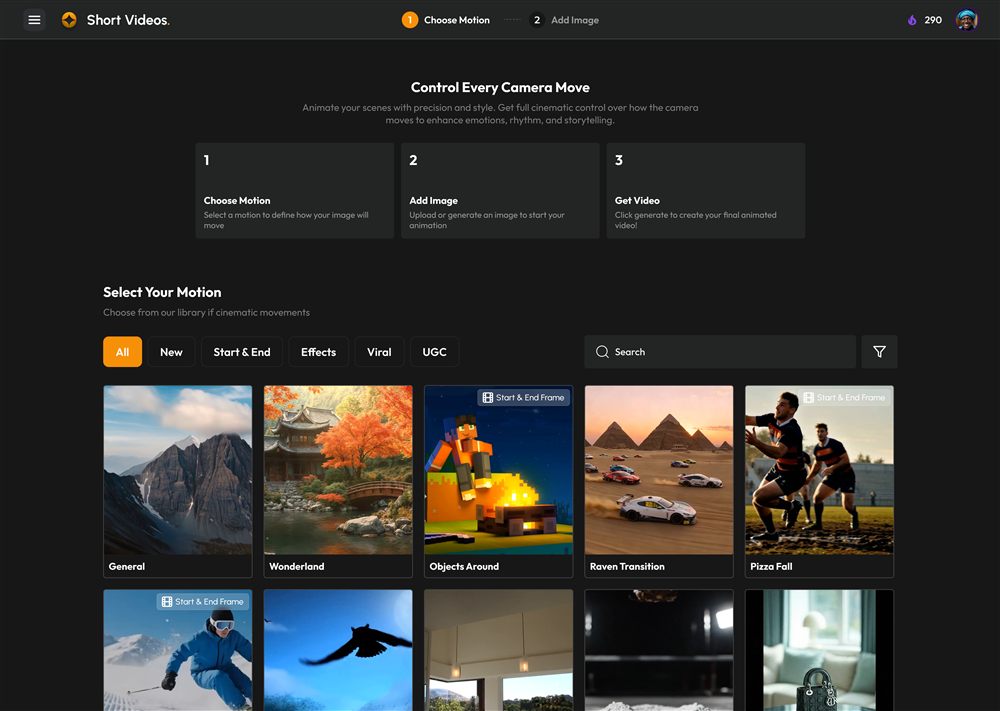
Make your first video in Vidorena
First stepsFrom an empty prompt box to a finished clip in a few minutes. The clearest path through the studio for your very first render, and the small habits that make everything after it easier.
Read article
How credits work and what things cost
Credits & billingCredits are the fuel behind every generation. Here is what they actually are, what makes one render cost more than another, and how to make a month's allowance go a long way.
Read article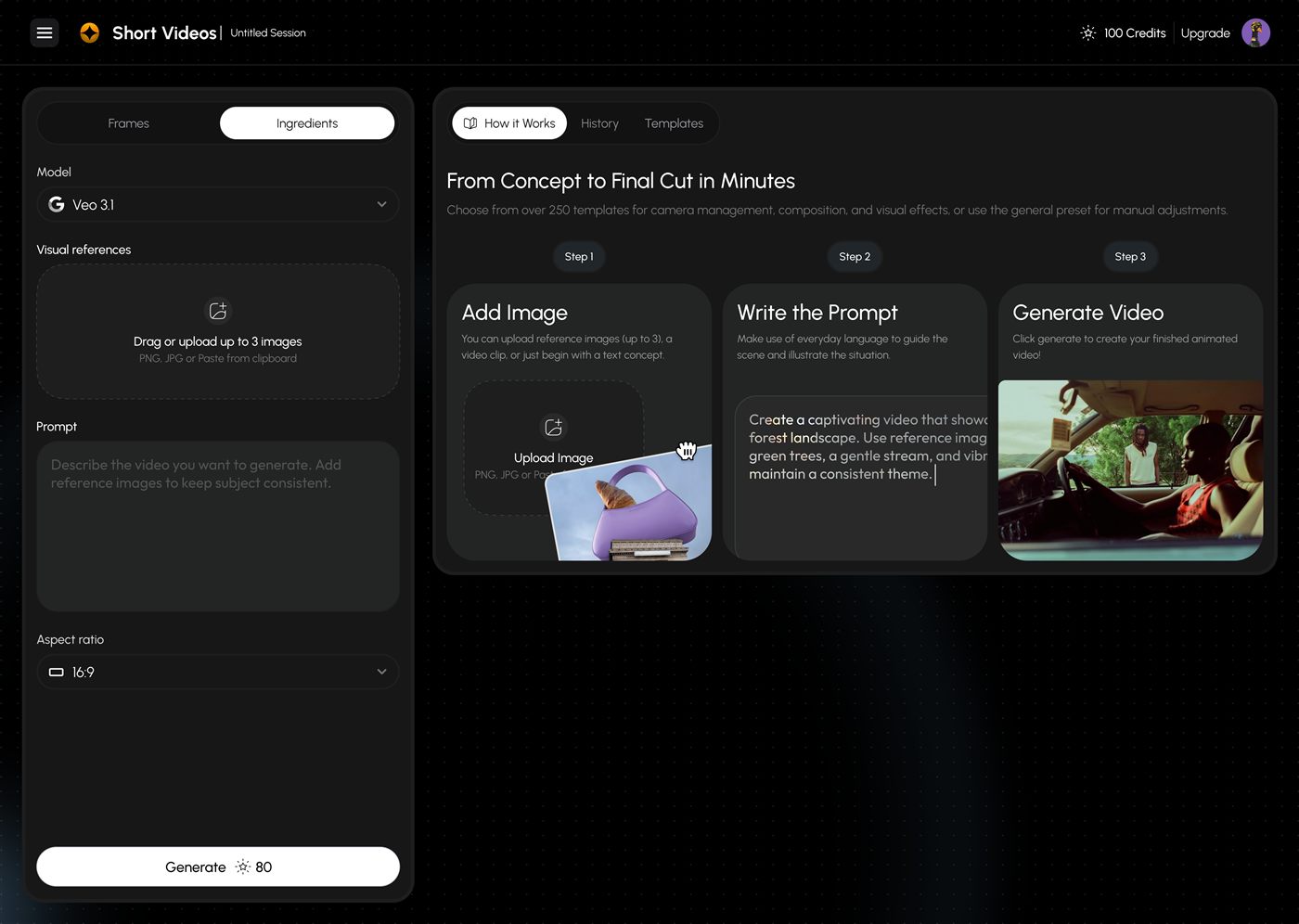
Write prompts that get cinematic shots
Short VideosThe phrasing that reliably nudges video models toward intentional, camera-aware output. A short field guide to the patterns behind almost every strong result.
Read article