
What you can do in Vidorena
Business



What you can do in Vidorena
Business
July 18, 2026
How to automate video creation with AI: a complete guide
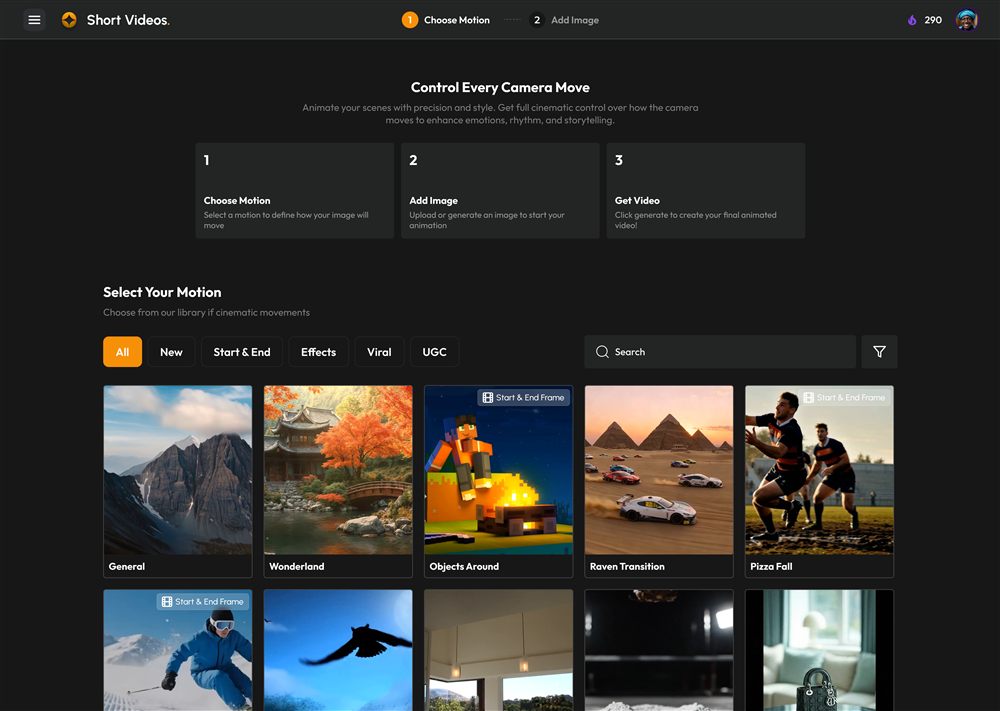
Table of contents
- 1What "video automation" actually means now
- 2Step 1: Decide what is actually worth automating
- 3Step 2: Start from a clear input
- 4Step 3: Let an agent plan the shots
- 5Step 4: Generate, then steer instead of restarting
- 6Step 5: Automate the repetitive tail
- 7Where a tool like Vidorena fits
- 8Frequently asked questions
- 1What "video automation" actually means now
- 2Step 1: Decide what is actually worth automating
- 3Step 2: Start from a clear input
- 4Step 3: Let an agent plan the shots
- 5Step 4: Generate, then steer instead of restarting
- 6Step 5: Automate the repetitive tail
- 7Where a tool like Vidorena fits
- 8Frequently asked questions
If you make video for a living, or for a brand, you already know where the time goes. Not into the ideas, which are cheap, but into everything after them: sourcing footage, cutting it, resizing it for five platforms, doing it all again next week. "Automating" that used to mean templates and a stock library, which saved a little time and made everything look the same. AI changes the shape of the problem. You can now describe what you want and get finished, on-brand video back, which means the parts worth automating are different from what they used to be.
This guide walks through what AI video automation actually covers, how to set it up without ending up with generic output, and, just as importantly, which parts you should keep doing by hand. It is written for creators and small teams who want more output without more headcount, not for engineers wiring up an API.
What "video automation" actually means now
It helps to separate three different things that all get called automation. The first is generation: turning a prompt, script or image into a clip without filming anything. The second is production: assembling those clips into a finished piece, resized and captioned for each platform. The third is publishing: getting the finished thing onto your channels on a schedule. Old-school automation only ever touched the third. AI reaches all the way back to the first, which is what makes it feel like a step change rather than a convenience.
The practical upshot is that automation is no longer all-or-nothing. You can automate the boring middle of the pipeline while keeping your hands firmly on the creative decisions at either end, and that is almost always the right place to draw the line.
Step 1: Decide what is actually worth automating
Before touching a tool, list the steps in how you make one video today, and mark each one as either a creative decision or a repetitive task. Choosing the concept, writing the hook, deciding the tone: creative. Rendering variations, resizing for vertical and square, adding captions, exporting: repetitive. The rule of thumb is simple. Automate the repetitive tasks aggressively, and automate the creative decisions almost never, because the moment you hand those over you get output that looks like everyone else's.
This is the mistake most people make when they first try AI video. They ask a tool to "make me a video about X," hand over every decision at once, and are disappointed by the bland result. Automation works best as a series of small handoffs, not one big one.
Step 2: Start from a clear input
AI video is only as good as what you give it. The strongest inputs are specific: a script, a product photo, a rough phone clip of the space you want to shoot, or a prompt that names the subject, the camera move and the light rather than just the topic. "A slow push in on a running shoe, warm side light, shallow depth of field" produces something usable; "a shoe ad" produces a coin flip. If you remember one thing from this guide, make it this, because it is the single biggest lever on quality and no amount of automation downstream can fix a vague input upstream.
Step 3: Let an agent plan the shots
A thirty second video is not one generation, it is a sequence: an establishing shot, a detail, a beat of motion, maybe a line of voiceover. The part genuinely worth automating here is the planning, breaking your idea into that shot list and matching each shot to the model best suited to it. This is exactly what an orchestration layer does in a modern AI video tool, and it is where a lot of the quality comes from, because a static beauty shot and a physics-heavy camera move want different models and a good planner routes them accordingly without you having to know any of that.
Step 4: Generate, then steer instead of restarting
When the shots come back, resist the urge to rewrite everything if one is off. Change the single variable that is wrong, the pace, the light, the framing, and regenerate just that shot. This keeps the parts that work and teaches you what each part of your input is doing. It is also far cheaper, since you are only paying to re-render one shot rather than a whole sequence. Steering beats restarting almost every time.
Step 5: Automate the repetitive tail
Now automate the boring end. Resizing to vertical, square and wide, adding captions, exporting in the right format, and publishing on a schedule are pure repetition with no creative judgement involved, so hand them over completely. If you are producing a recurring format, this is also where series automation earns its keep: define the format once and let the tool produce and post each episode on a cadence, so consistency stops depending on you finding time every week.
Where a tool like Vidorena fits
Everything above is a workflow, not a product pitch, and you can assemble it from separate tools if you want to. The reason studios like Vidorena exist is to put the whole loop in one place: you describe a video, an agent plans and routes the shots across the current best models, you steer the results, and the repetitive tail of resizing, captioning, scheduling and even automating a whole series is handled without leaving. The point of automation was never to remove you from the work. It was to remove the parts of the work that were never really yours to begin with, and leave you with the ideas.
Frequently asked questions
- Can AI fully automate video creation from start to finish?
- Technically yes, but the results are rarely worth publishing. The reliable pattern is to automate the middle of the pipeline, which is clip generation, assembly, resizing and captioning, while keeping the concept at the start and the final edit at the end in human hands. Full end-to-end automation tends to produce videos that are competent and forgettable, because nobody made a decision about what the video was for.
- How long does it take to make a video with AI?
- A short social video typically takes a few minutes of generation time, plus however long you spend directing it. The generation itself is rarely the bottleneck. Most of the real time goes into writing a clear prompt, reviewing the output, and steering specific shots that came back wrong, which is why the skill that matters most is prompt writing rather than editing.
- Do I need video editing experience to use AI video tools?
- No, but you do need judgement about what makes a video work. AI tools remove the technical barrier of operating an editor, and they do not remove the need to know what you are trying to say, who it is for, and whether the result actually lands. People with a marketing or writing background often get better output than people with editing experience, because the input is language.
- Will AI-generated video hurt my reach on social platforms?
- Platforms do not penalise AI-generated video as a category, but they do penalise low-effort content that people scroll past. Some platforms require AI-generated content to be labelled, and the labelling itself has not been shown to suppress reach. What suppresses reach is generic output, which is the real risk of automating the creative decisions rather than the production work.
Keep reading
AI video generation explained: how a prompt becomes a finished video
July 16, 2026You type a sentence and get a video back, but a lot happens in between. Here is a plain-English explanation of how AI video generation actually works, and what that means for the results you get.
How to make faceless YouTube videos with AI (step by step)
July 11, 2026Faceless channels are one of the most accessible ways to build an audience, because they scale without a studio, a camera or a presenter. Here is how to actually make one work, from niche to publishing.
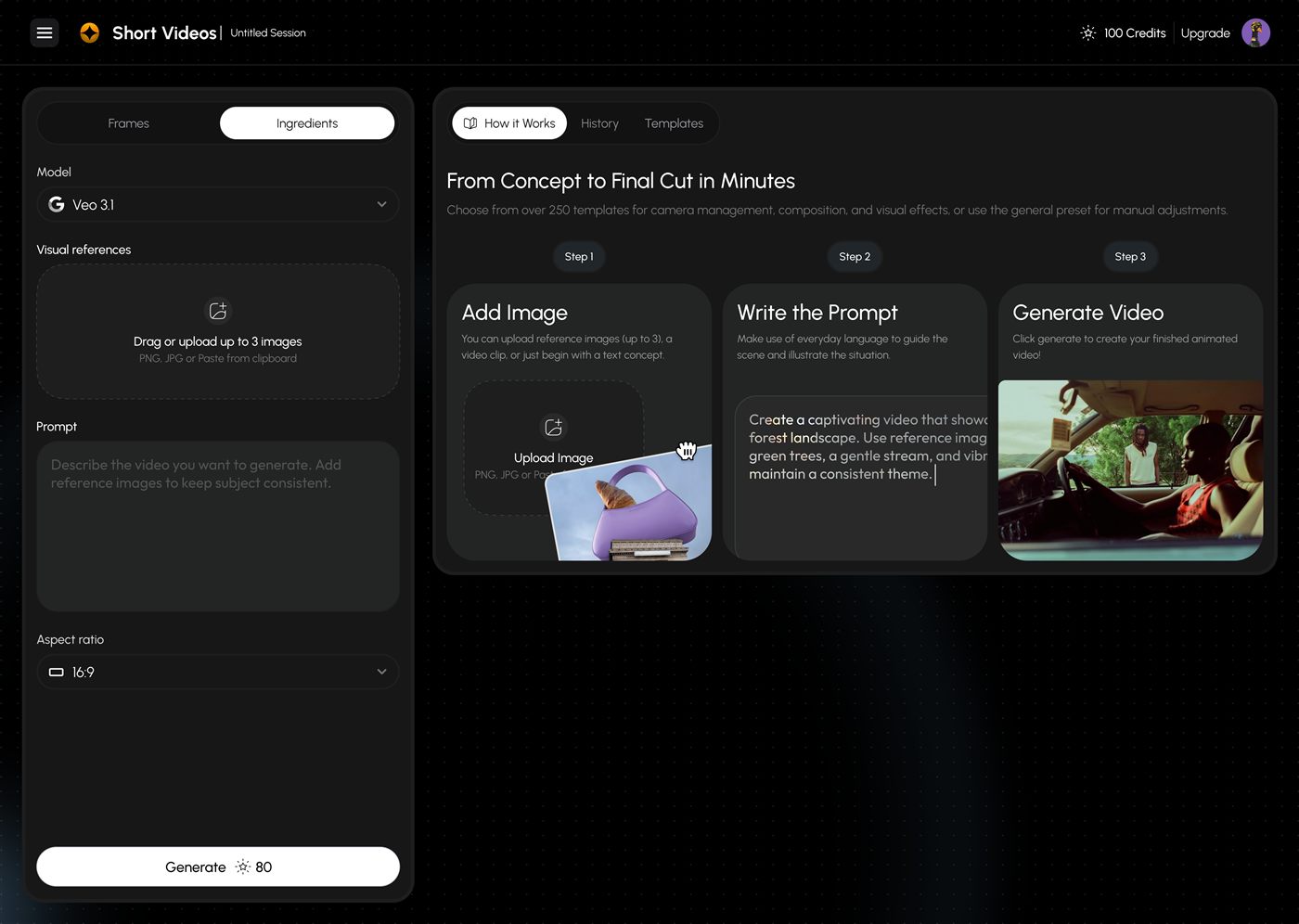
How to write AI video prompts that actually look cinematic
July 8, 2026Most disappointing AI video comes from the prompt, not the model. This is a practical field guide to the phrasing that reliably produces intentional, camera-aware, cinematic shots, with before-and-after examples.