
What you can do in Vidorena
Business



What you can do in Vidorena
Business
July 16, 2026
AI video generation explained: how a prompt becomes a finished video
Table of contents
AI video generation is the ability to create video from a description, an image or a script, without filming anything. You give a model an input, it produces frames, and you get a clip. That is the one-sentence version, and it is enough to get started. But understanding a little more about what happens between your prompt and the finished video is genuinely useful, because it explains why some prompts work and others do not, and why the same idea can look completely different depending on the tool.
This is a plain-English explainer. No maths, no model architecture. Just what is actually going on when you hit generate, and how to use that understanding to get better results.
What a video model actually does
A video model has learned, from an enormous amount of footage, what the world tends to look like in motion: how light falls, how fabric moves, how a camera drifts. When you prompt it, it is not retrieving a clip from a library, it is generating new frames that fit your description and are consistent with each other over time. That last part, temporal consistency, is the hard bit and the reason early AI video looked warped. Modern models are dramatically better at it, which is why the output now reads as real footage rather than a moving hallucination.
The step most people don't know about
Here is what surprises people: in a good AI video tool, the first thing that happens after your prompt has nothing to do with video. A planning model reads what you asked for and works out how to make it, breaking a request like "a product ad" into a sequence of shots and deciding which generation model suits each one. A static beauty shot might go to a fast, cheap model; a camera move with real physics needs a heavier one. You never see this step, but you feel it, because it is why a single prompt can come back as a coherent sequence instead of a pile of disconnected clips.
There isn't one model, there are many
You will hear names like Veo, Kling, Sora, Seedance and Wan. These are different video models from different labs, each with strengths: some are better at realism, some at stylized motion, some at speed. A tool that only offers one is betting everything on that one lab keeping the lead, which never lasts long. This is why the better products let you reach all of them, and route your shot to whichever handles it best this month, because the frontier moves and being tied to a single model means being tied to whoever happens to be behind today.
What it is good at, and where it still struggles
AI video is excellent at short, self-contained shots: a mood, a product, an establishing frame, a stylized moment. It is improving fast at longer and more complex sequences, but precise control over specific text on screen, exact choreography and perfectly consistent characters across many shots is still where the craft comes in. Knowing this saves you frustration: lean on generation for what it does well, and use references and a shot-by-shot approach for the parts that need control.
How to get noticeably better results
Three habits do most of the work. First, name the camera move, not just the scene, so the model has something to do for the length of the clip. Second, describe light concretely rather than reaching for mood words. Third, give it a reference image whenever you can, because a picture removes a whole layer of guesswork that words cannot. None of these require any understanding of the model. They just give it a clearer brief, and a clearer brief is most of the difference between a result you keep and one you throw away.
Why any of this matters for you
You do not need to understand video models to use them, in the same way you do not need to understand an engine to drive. But knowing that a planning layer sits in front of the models, and that no single model wins at everything, explains why a tool like Vidorena is built the way it is: as one studio that plans your shots and routes them across every frontier model, kept current as each lab ships, so the thing you actually care about, the video, keeps getting better without you having to relearn anything.
Keep reading
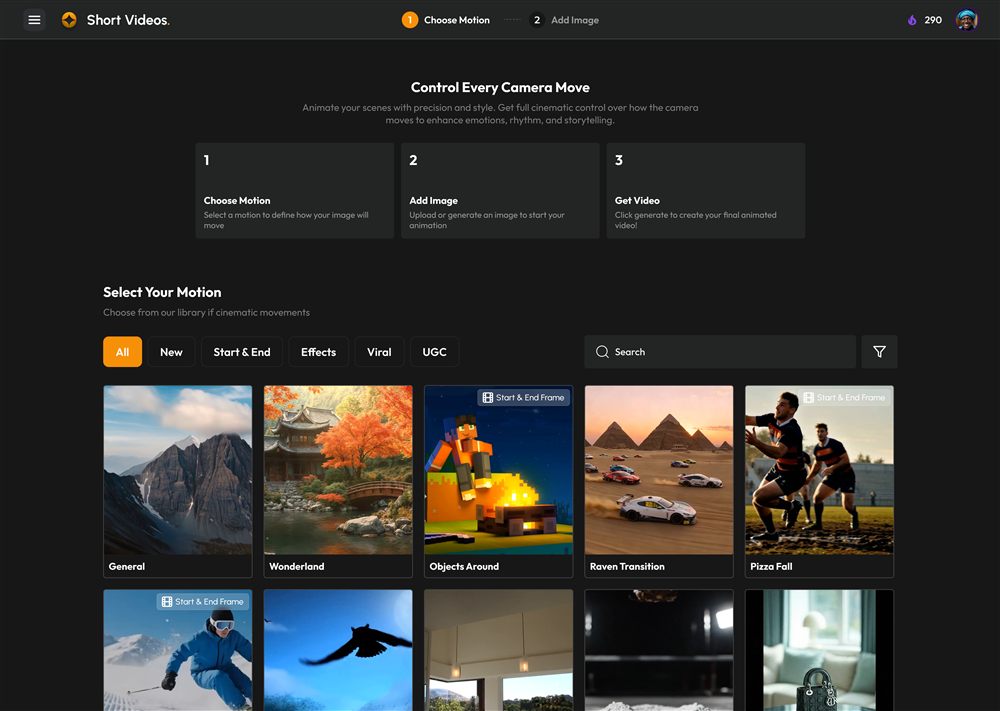
How to automate video creation with AI: a complete guide
July 18, 2026Video automation used to mean templates and stock clips. With AI it means describing what you want and getting finished, on-brand video back. Here is how it actually works, step by step, and where to draw the line.
How to make faceless YouTube videos with AI (step by step)
July 11, 2026Faceless channels are one of the most accessible ways to build an audience, because they scale without a studio, a camera or a presenter. Here is how to actually make one work, from niche to publishing.
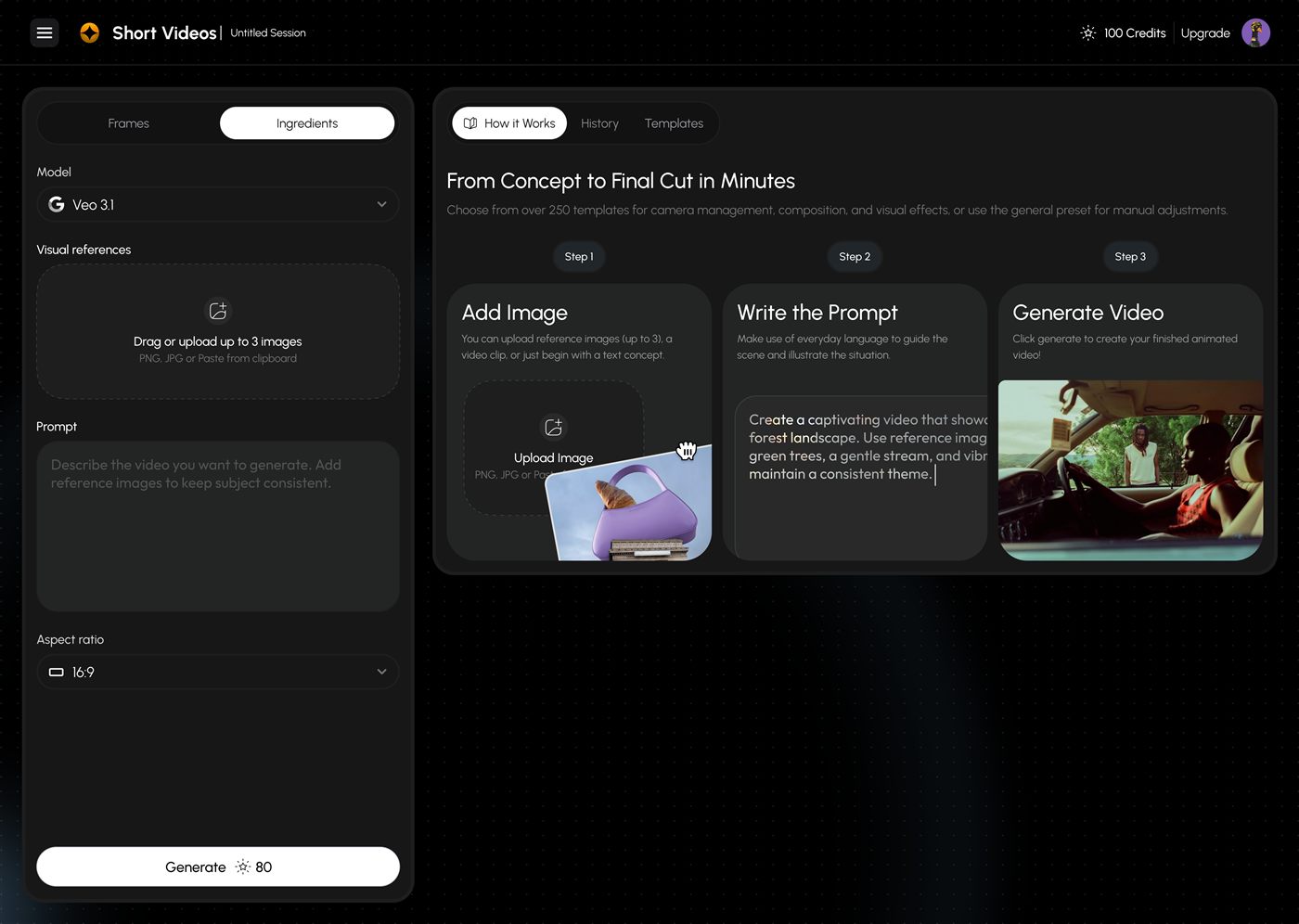
How to write AI video prompts that actually look cinematic
July 8, 2026Most disappointing AI video comes from the prompt, not the model. This is a practical field guide to the phrasing that reliably produces intentional, camera-aware, cinematic shots, with before-and-after examples.